Had an inspiration for 3D modelling. Only a few ware models are missing now
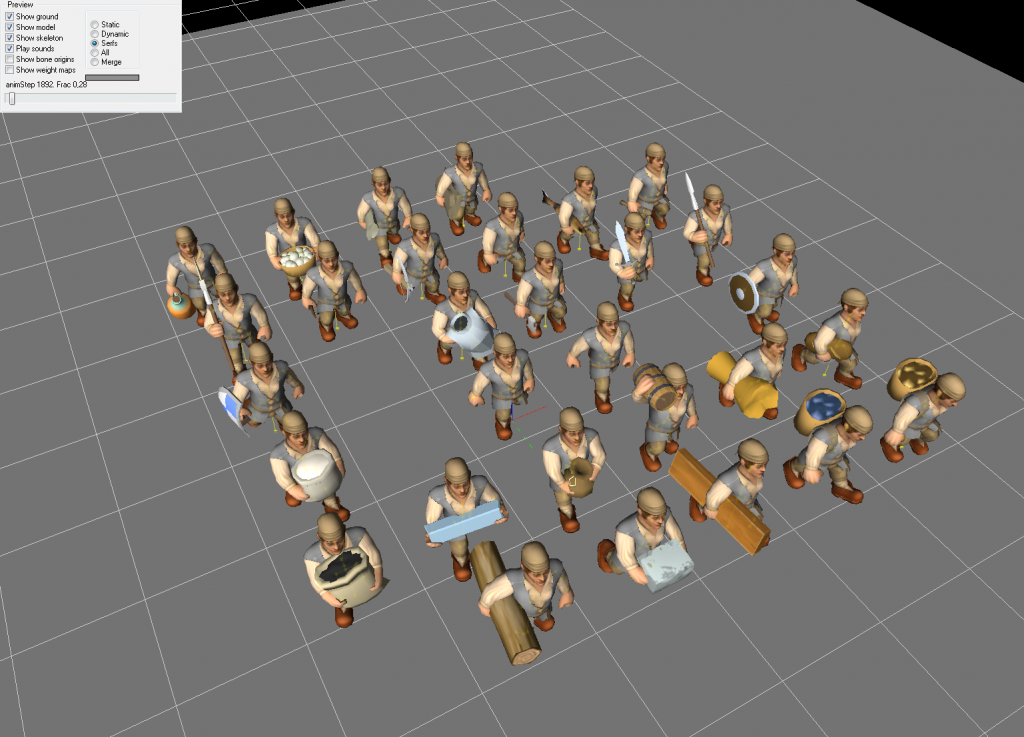
Had an inspiration for 3D modelling. Only a few ware models are missing now
It’s been a long time since Alpha 11, but at last, Alpha 12 is entering its public Wip cycle! Starting from today, you can find a link to fresh Alpha 12 wip build on Discord.
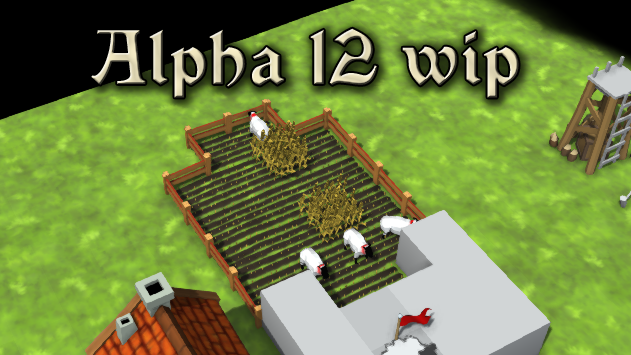
Long story short – lots of coding, game design, artists interactions and debugging went into Alpha 12 over the past year. There are several new big changes and improvements in the game:
Here’s a video highlighting main features by Wychor on the official Knights Province channel – make sure to subscribe!
Now let’s look into these features more closely.
As always, a word of caution – anything described below is not final and can change during or after Alpha 12 release.
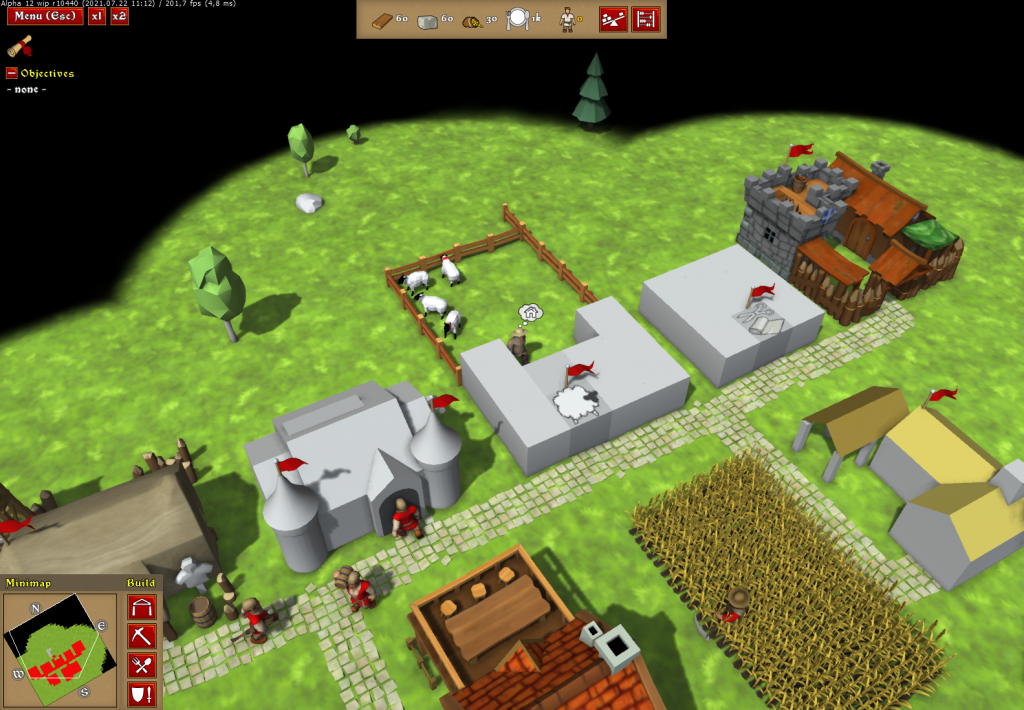
One of the things that bugged me from the early days of this project, was that Leather Armor, albeit looking cool in all those modern movies and TV series, was not actually period correct. It is Gambesons that were mainly used. Now with Fences that were added as a prototype in Alpha 11 we can finally do that – add Sheep, Wool and Gambesons. Each piece deserves a separate paragraph to introduce and to explain:
With that in mind, the old leather production chain (CowFarm -> Cowhides -> Tannery -> ArmoryWorkshop -> LeatherArmor) is no longer in use. Cowhides, Leather and Leather Armor and Tannery become obsolete and are removed from the game. The sheep concept is a testbed for all other animal breeding concepts. So changes to the meat production line and stables are also on the roadmap.
With fences having a bigger role now, it was time to rework object picking – a way game detects what object should get selected when a mouse click occurs. Now you will be able to select more of in-game objects – fences, trees, ore decals. Selection precision was also improved – now the objects are being selected by their shape, not by the footprint on the terrain. Here’s a developers view on the object shapes:
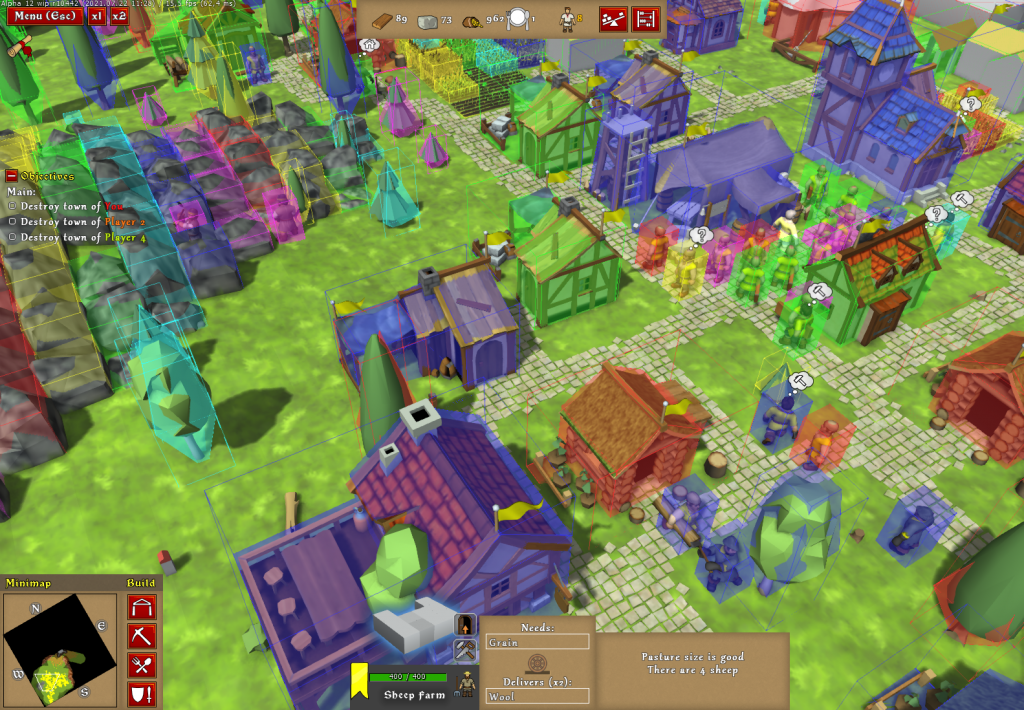
There is also a new HUD for selected objects. It has more focus on the object’s avatar and is intended to be closer to the final looks it will get in the future. It is still in the prototype stage.
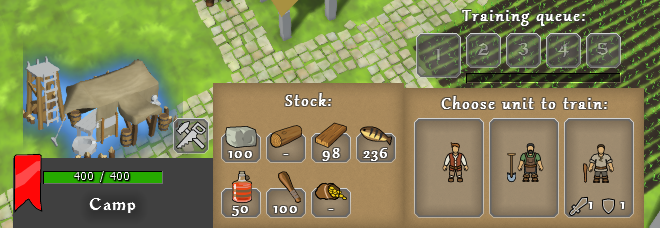
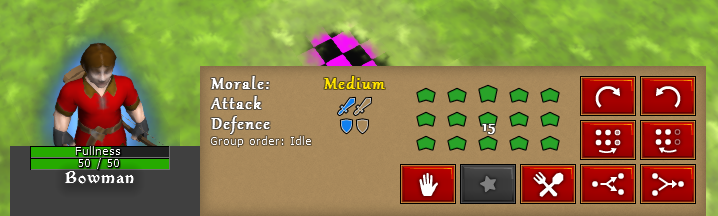
Sidenote: Apparently, finding a good UX/UI artist is really hard. I have been searching for several months now with mixed success.
Now there can be up to 4 different water levels (each with its own waterbody setup). Water shader was also slightly improved. Setting up waterfalls is a chore, but I’m hoping to improve and streamline that process based on your feedback.
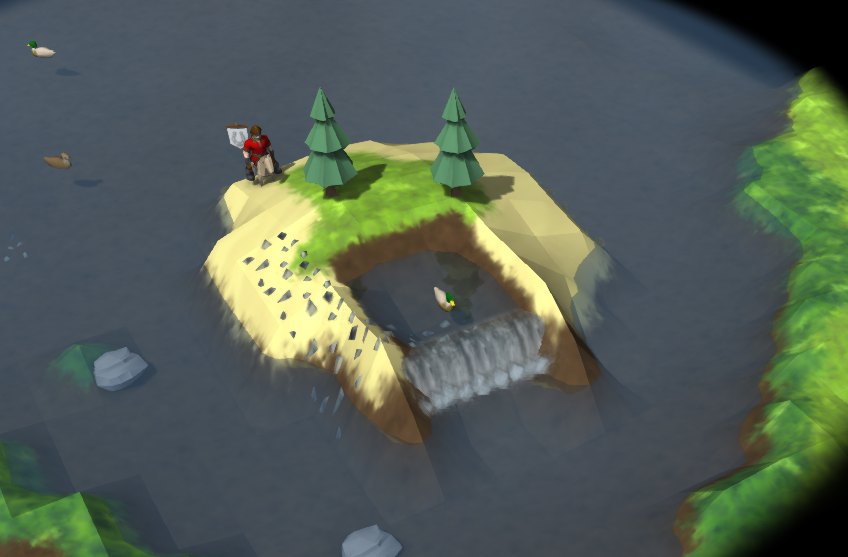
This change also caused the rework of the way waterbeds and shorelines are set up – now it’s dynamic and depends on the actual tiles that are covered with the water. So there’s no more “underwater” surfaces. Any surface can be a waterbed now – even hot lava xD.
In-game changelog – now you can see what is new and what has changed since previous builds.
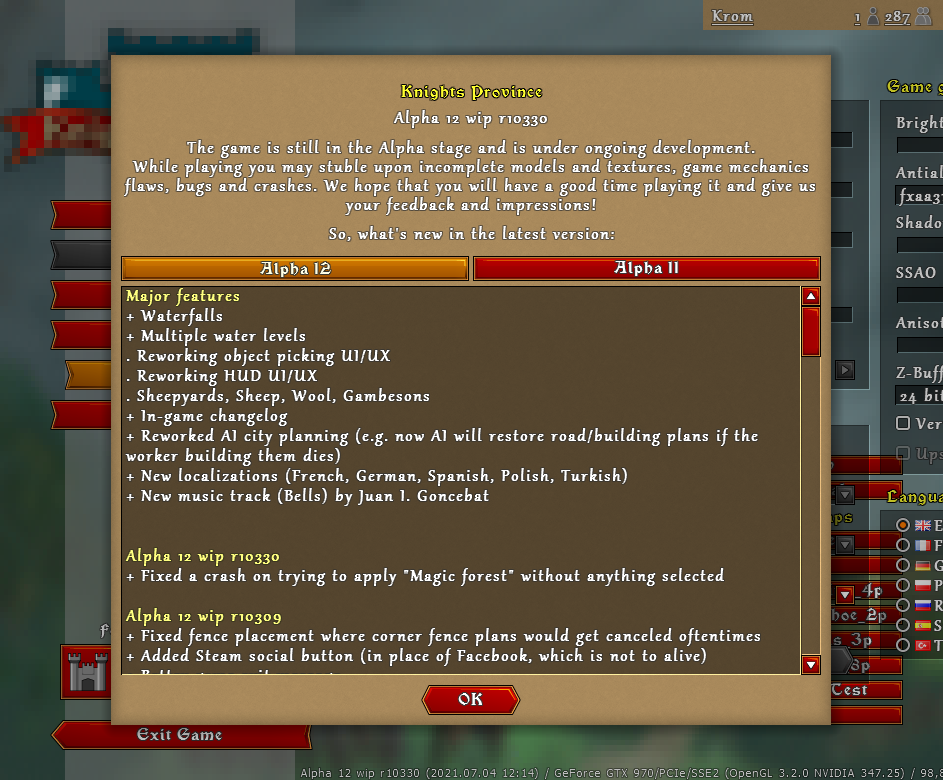
Improvements in AI city planning – e.g. now AI will try to restore road/building plans if the worker building them dies
New music track (Bells) by Juan I. Goncebat
New maps by Wychor (Lake Plateau, Erlond, Nile)
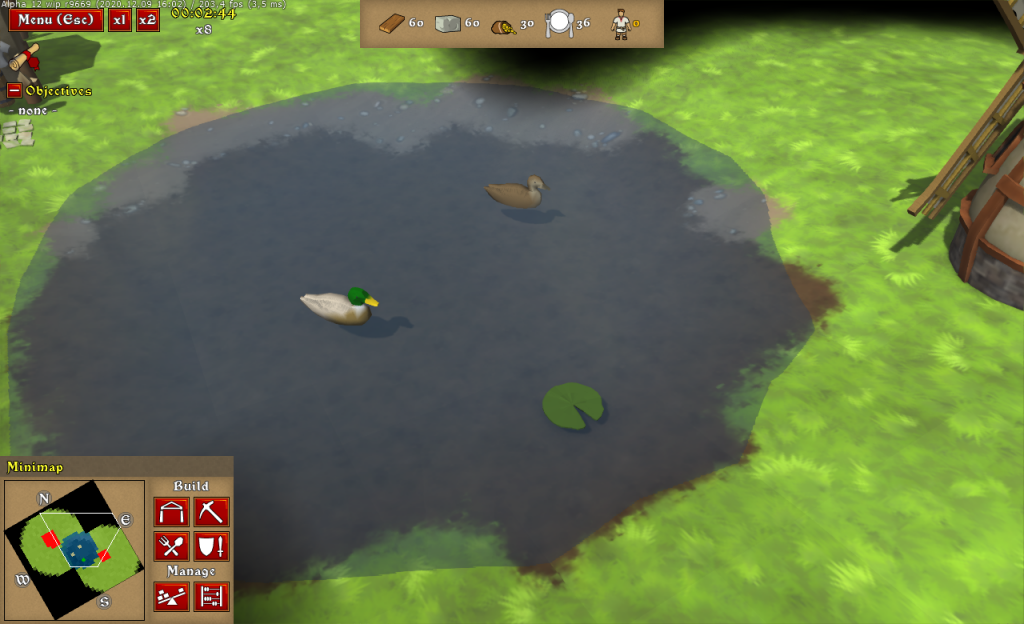
New animals for new waterbodies
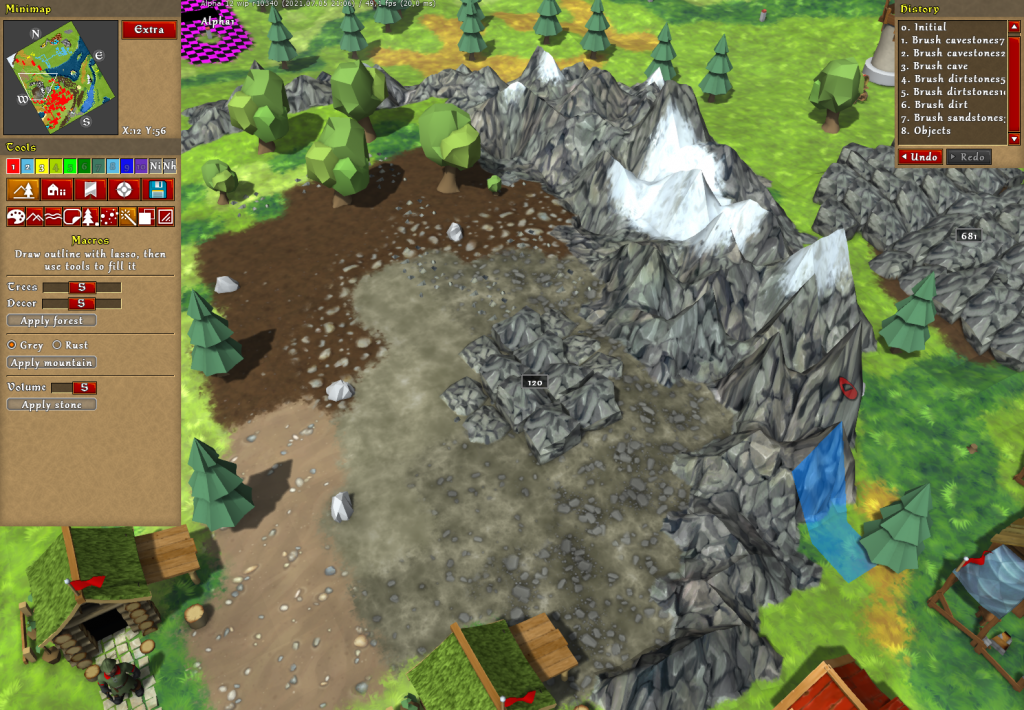
New terrain surfaces, including cave floor with 3 different stone densities (had to revive my Substance Designer skills)
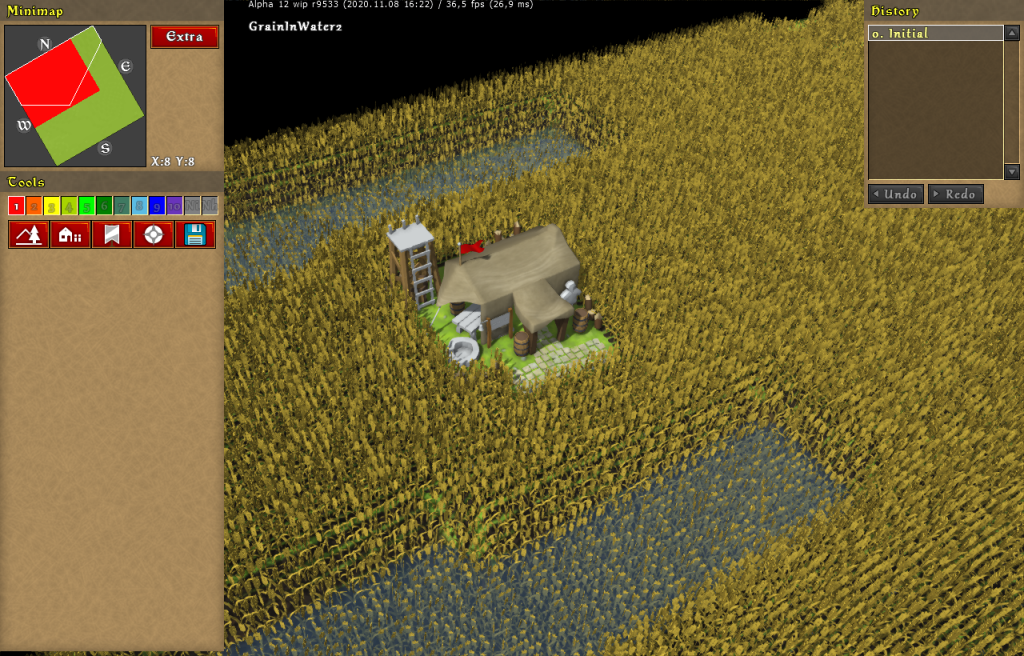
Grain fields render performance improvements (from 9 fps to 46 fps!)
Download links to new Alpha 12 wip builds will start to appear in the Discord #new_versions channel (along with changelogs). Give them a try! I’m looking forward to your feedback on Discord!
There’s also a new channel for Knights Province videos – The videos on the channel will be about announcements, development updates, map highlights, and more. Right now the channel already has some playlists with mapmaking, development and gameplay videos made by other KP community members. Let us know if YOU are someone who makes KP videos and would like them featured in the official playlists.
So I’ve been working on the Knights Province HUD redesign lately. It is a two-fold endeavor – design and programming. Here’s how it goes:
Some terminology first – typically, HUD is a short for the Heads-Up Display – GUI elements that pop up over the “world” view, showing some general information and/or the selected objects info. Here and below I will be specifically referring to the in-game object’s HUD that appears when an object gets selected (a house, a unit, a tree, etc).
So basically I’m quite content with the current blocky HUD. It was always planned to be a temp solution. Something that can be slapped together and work. Grey at first, recently it got nicer with colored background textures and subtle shadows, but still – it is a temporary solution. It serves its purpose of being a “sketch/prototype” very well. I’m glad to have it functional and would like to keep it that way. However changes are due.
What was the push for the change? Fences and sheep!
Looking at other games (specifically Age of Empires) I always liked the idea of being able to select every major object and trees to see its info. Now with fences it is doubly important to be able to select them and view their details (e.g. player ownership).
HUD design and coding is one part of the endeavor. Object picking in-game is another one. Suffice to say – it took some noticeable amount of time and effort, but now it seems object picking is working rather well and is future-proof (with improvements already queued).
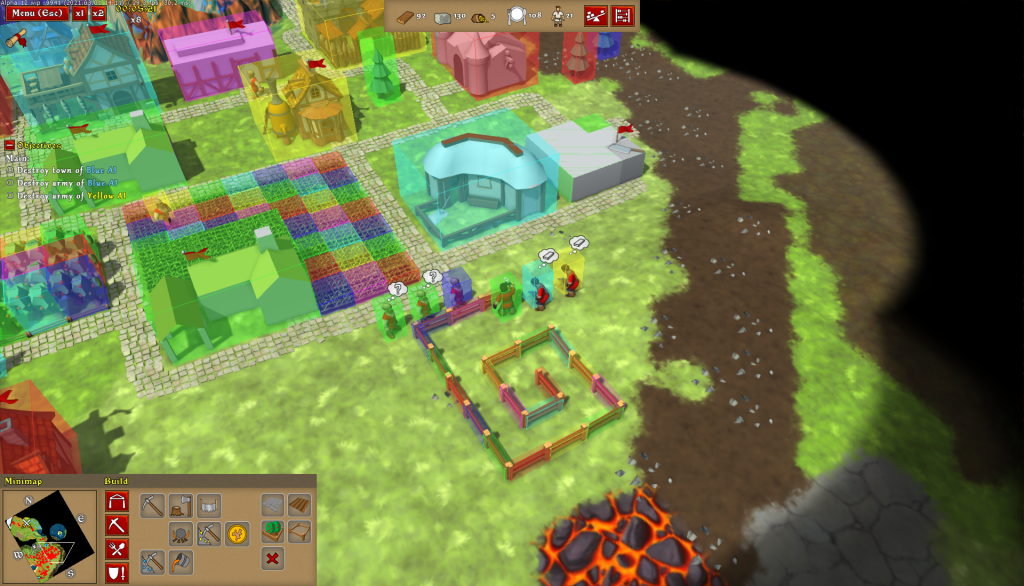
Back to the HUD topic though. Being able to select more kinds of objects meant that the HUD needed to be updated to show the new objects in a pleasant way, or, even better – redesigned! Being so used to the existing design I would not be able to radically change it without taking a long break from the game development and coding, so I have had to hire a freelance artist to help. Just_bu stepped in. Below are just some of the sketches (ideas) she has made:
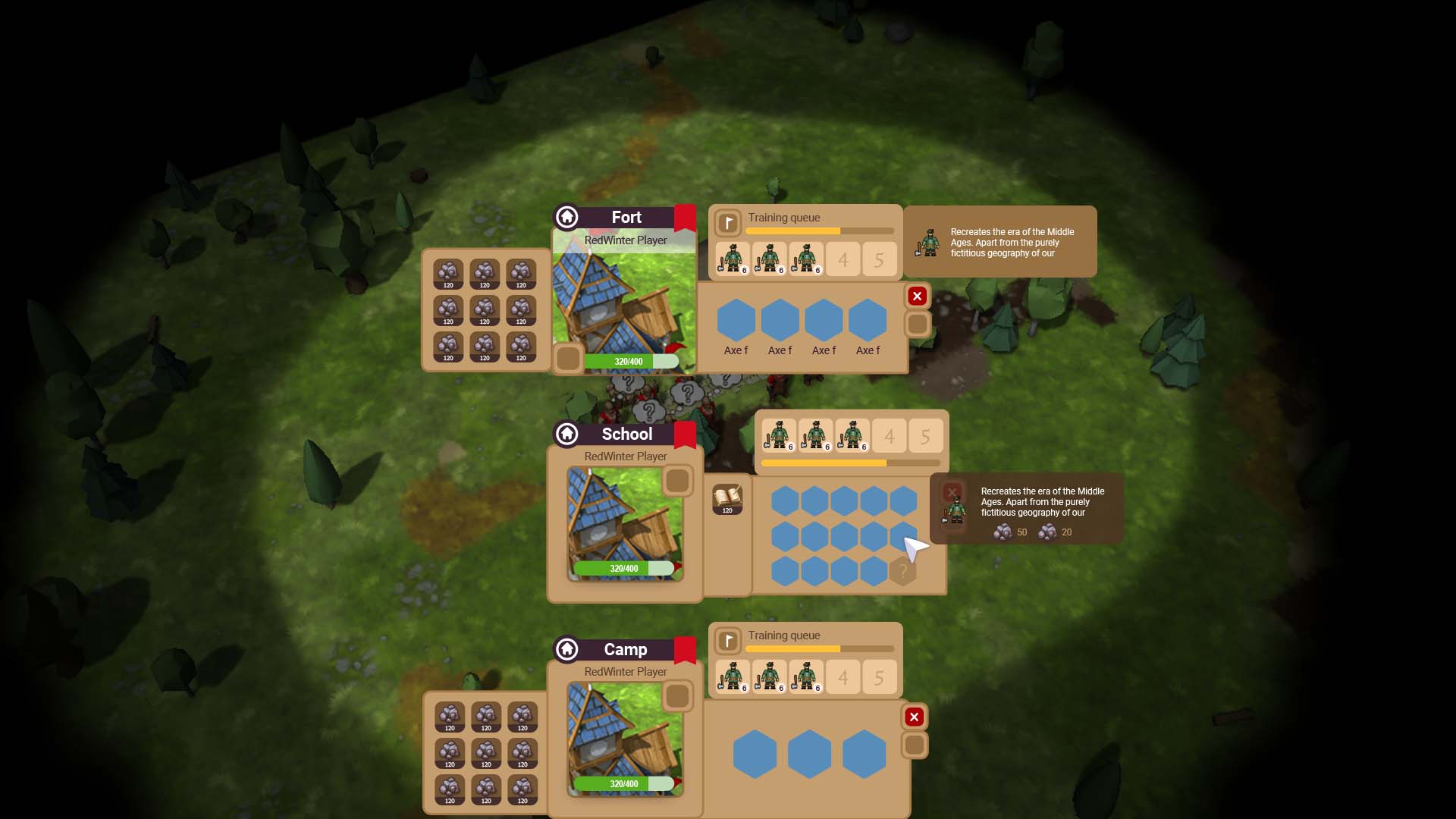
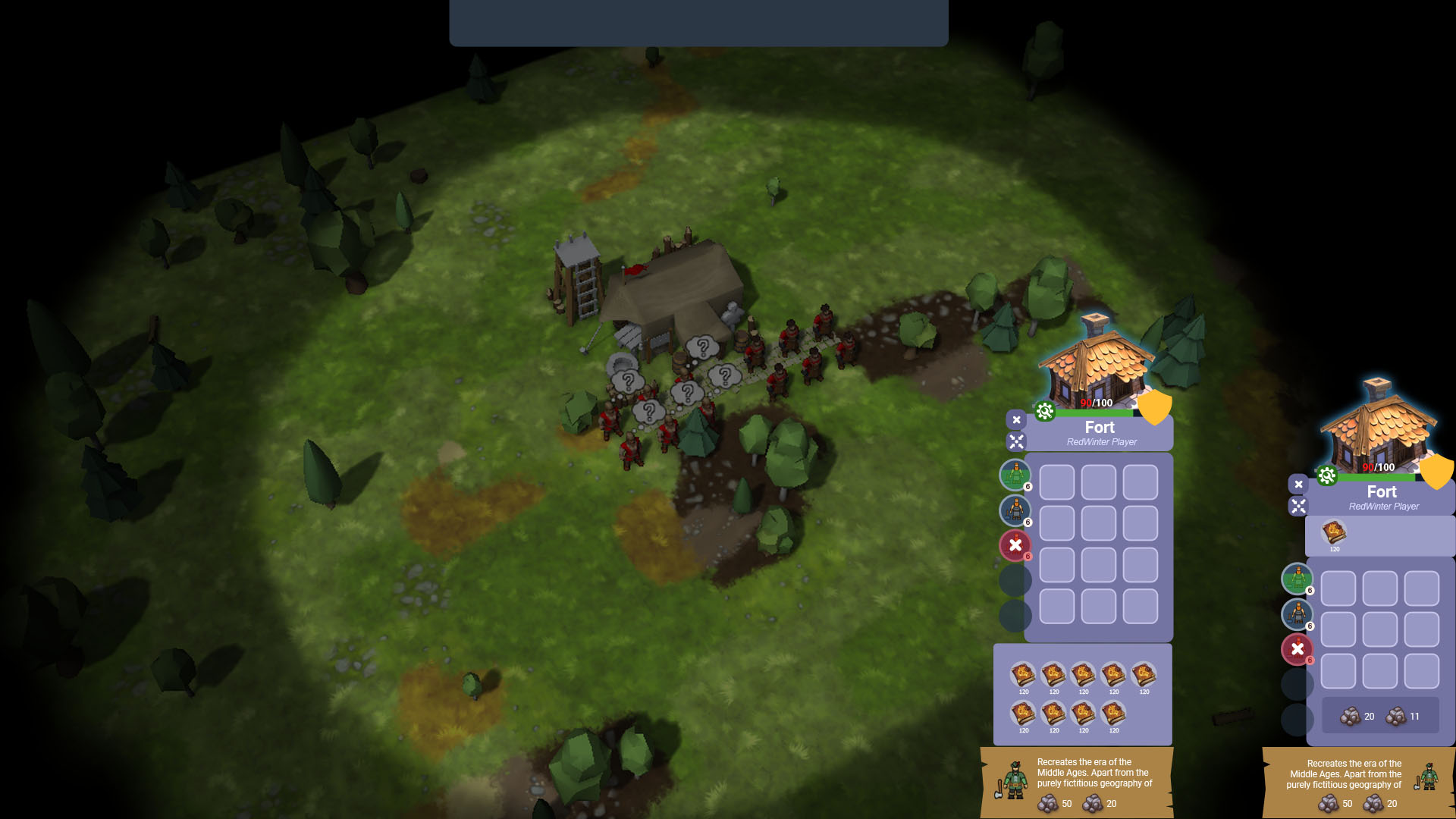
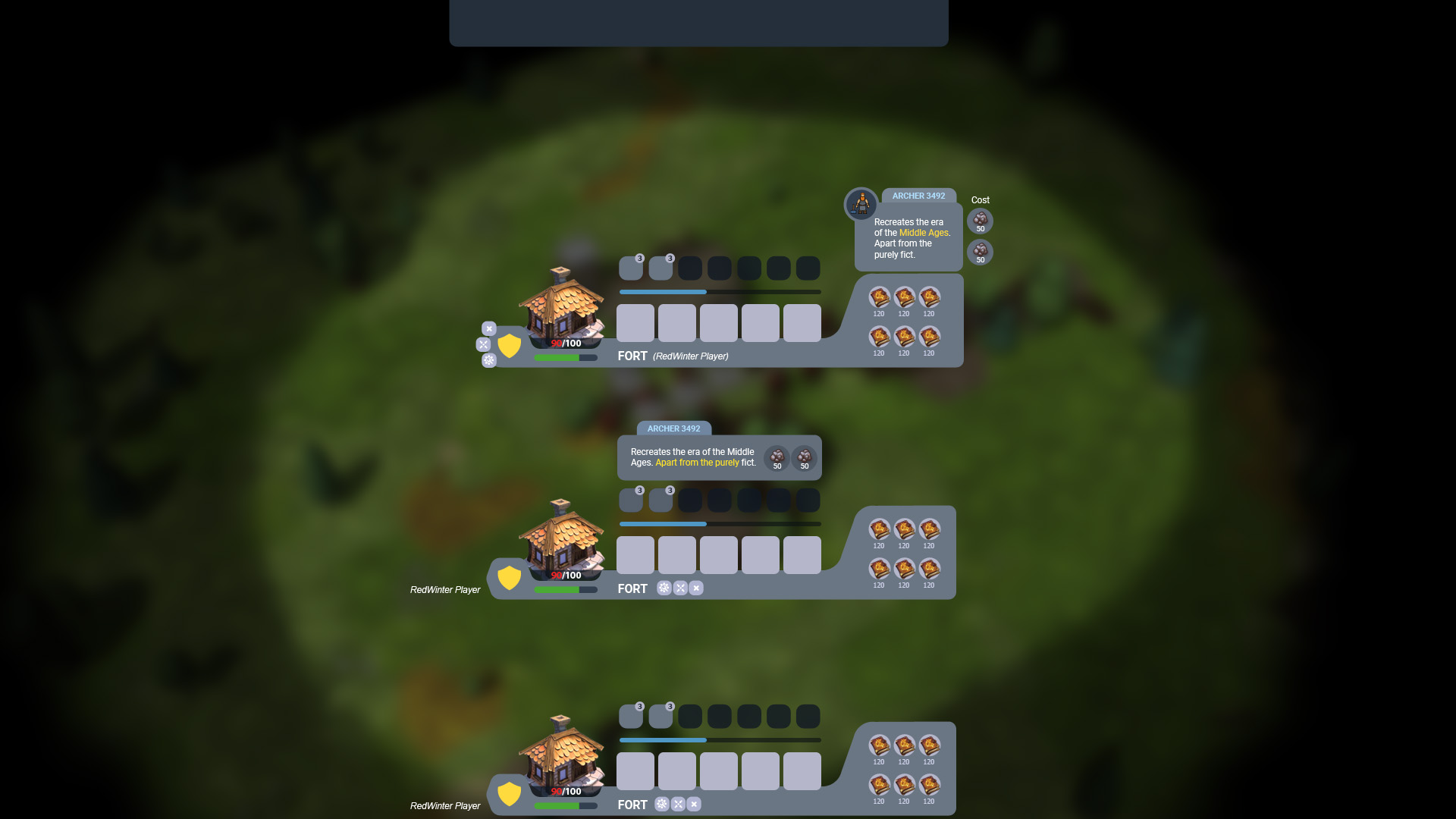
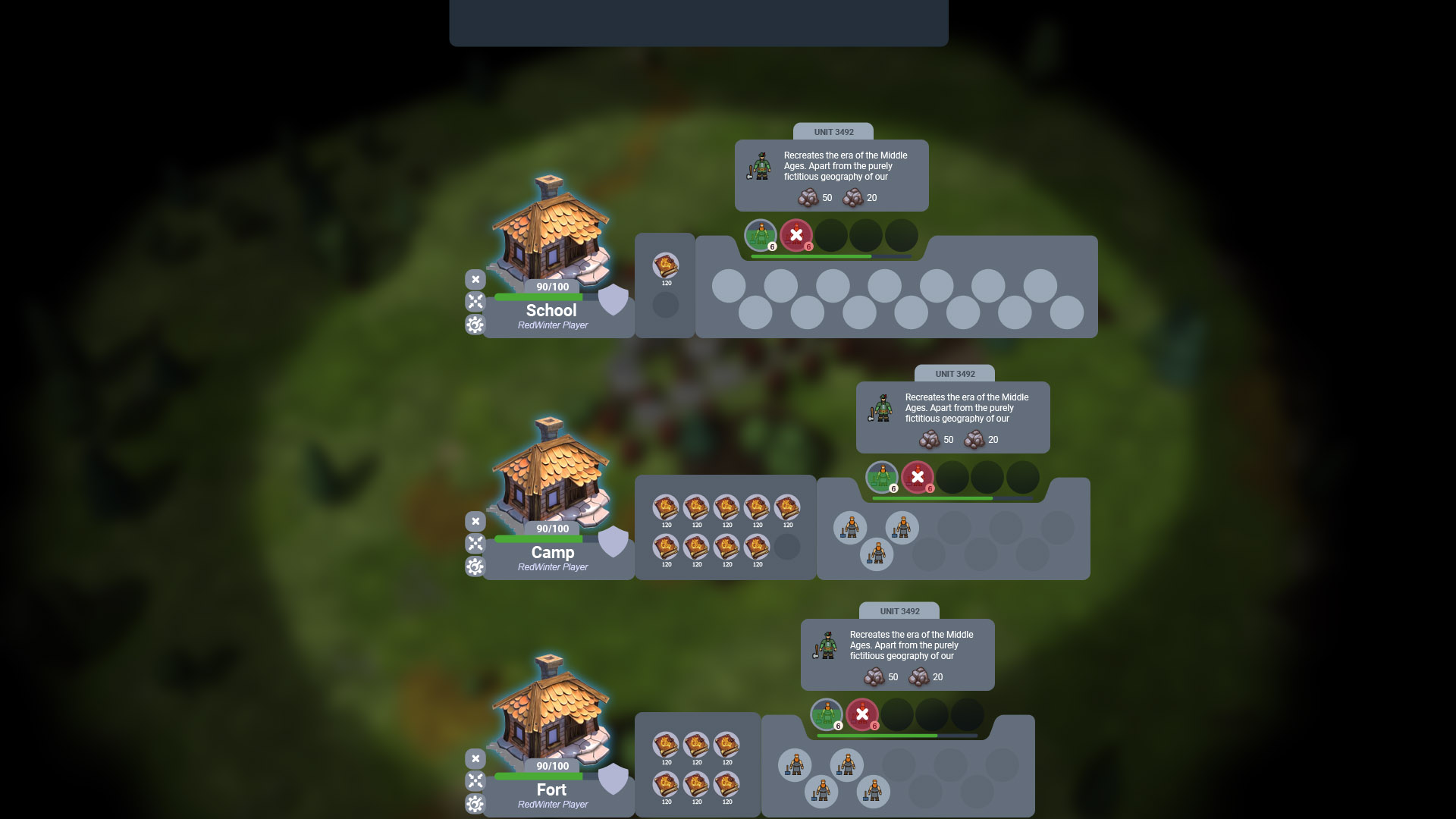
You may notice they have an odd style and gamma – this is intentional. On this stage we were generating UX/UI layout sketches. Seeing what needs to go together and what can be moved. Checking out the balance between form and size.
Unfortunately, Just_bu had to move on to a higher priority project some days ago. Now I’m posting the vacancy description once again, hoping to get a new pair of hands on the case. Important to say – Patreon donations helped to cover the costs. Big thank you, patrons!
After running some research and seeing different UI ideas, I saw that Knights Province UI tended to gravitate towards certain structural layouts. Being reasonably sure about that, now I’m starting to update the game engine too. Refactoring old “rigid” forms into more flexible “modular” design. Here are some modules I have isolated as example in the old UI:
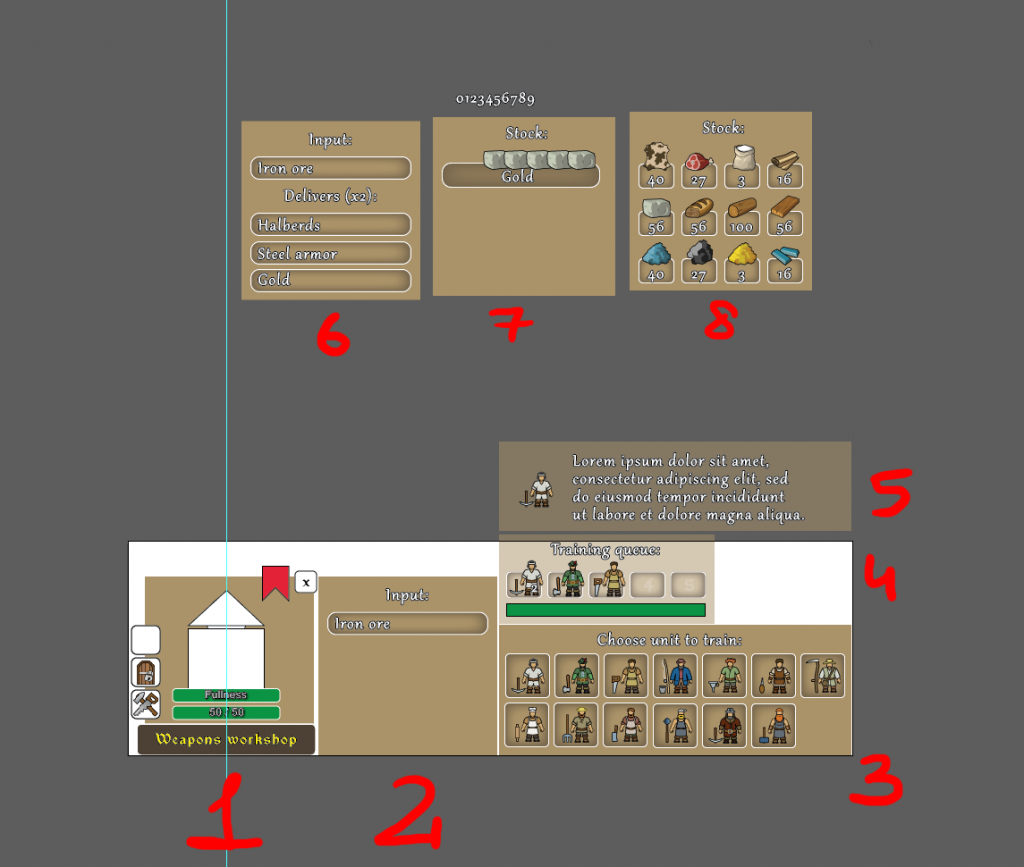
And after some extensive research I was able to create the following table, that covers most of the in-game entities and the HUDs they need (a fragment):
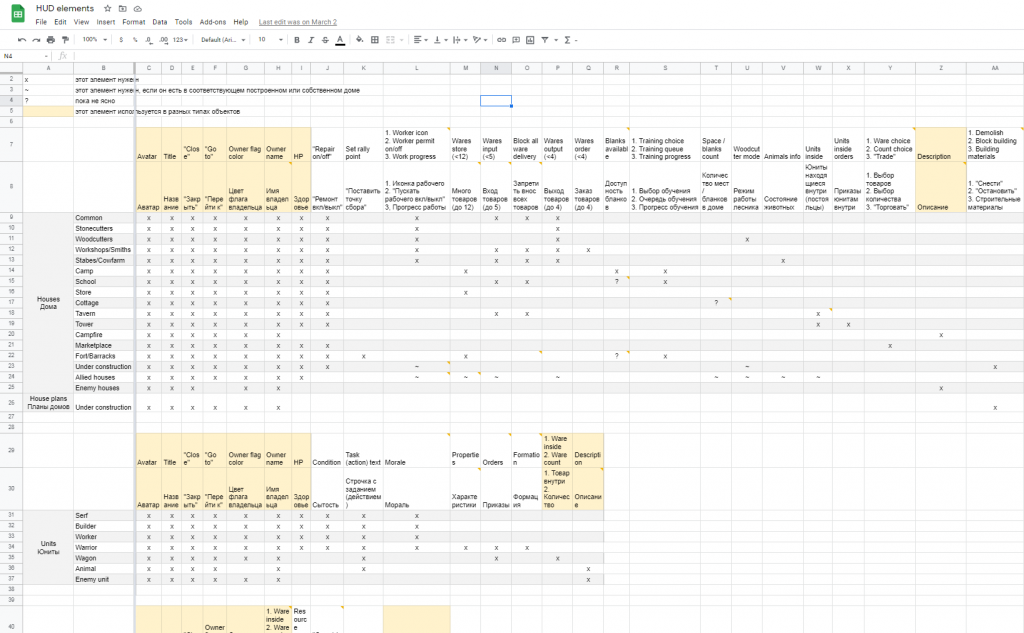
It contains the entities (rows) and modules they need (columns). Pretty straight-forward. With just minor complications arising from allied/enemy states and cross-module dependencies. No road-blocks though – just a lot to code and refactor! xD
One of the bigger and nicer HUD elements I wanted to cover in more detail is an object’s avatar. It is going to be a central piece of the new HUD. I’ve chosen to reuse the in-game 3D model for it (instead of hand-drawn graphics), to speed up and ease up the development. The model gets rendered into its own texture and post-processed with a nice glow effect.
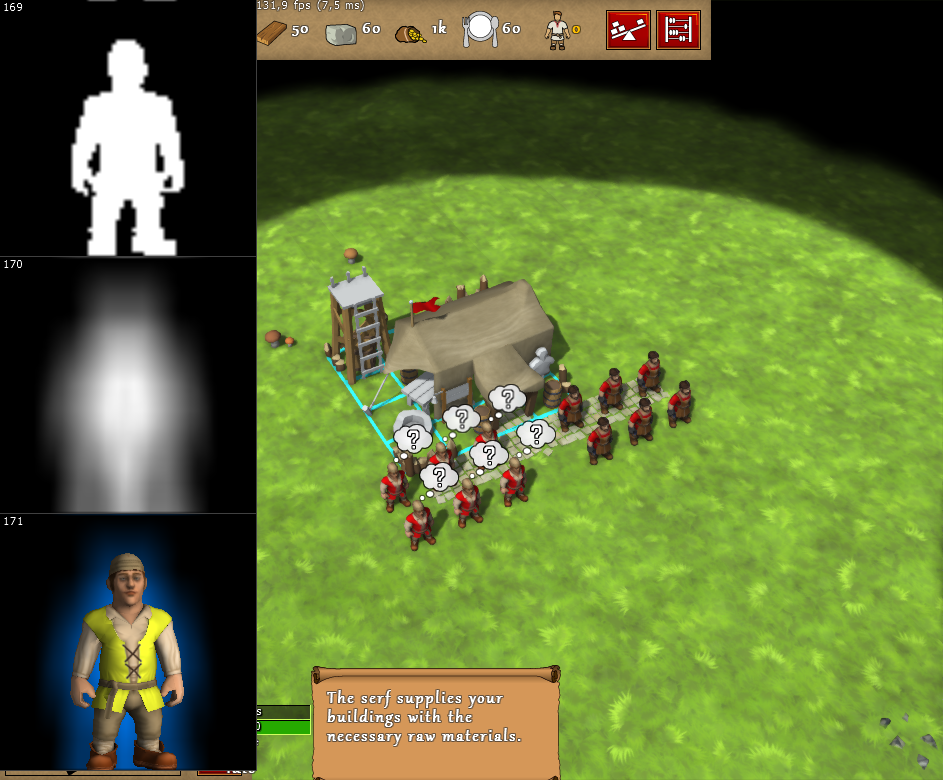
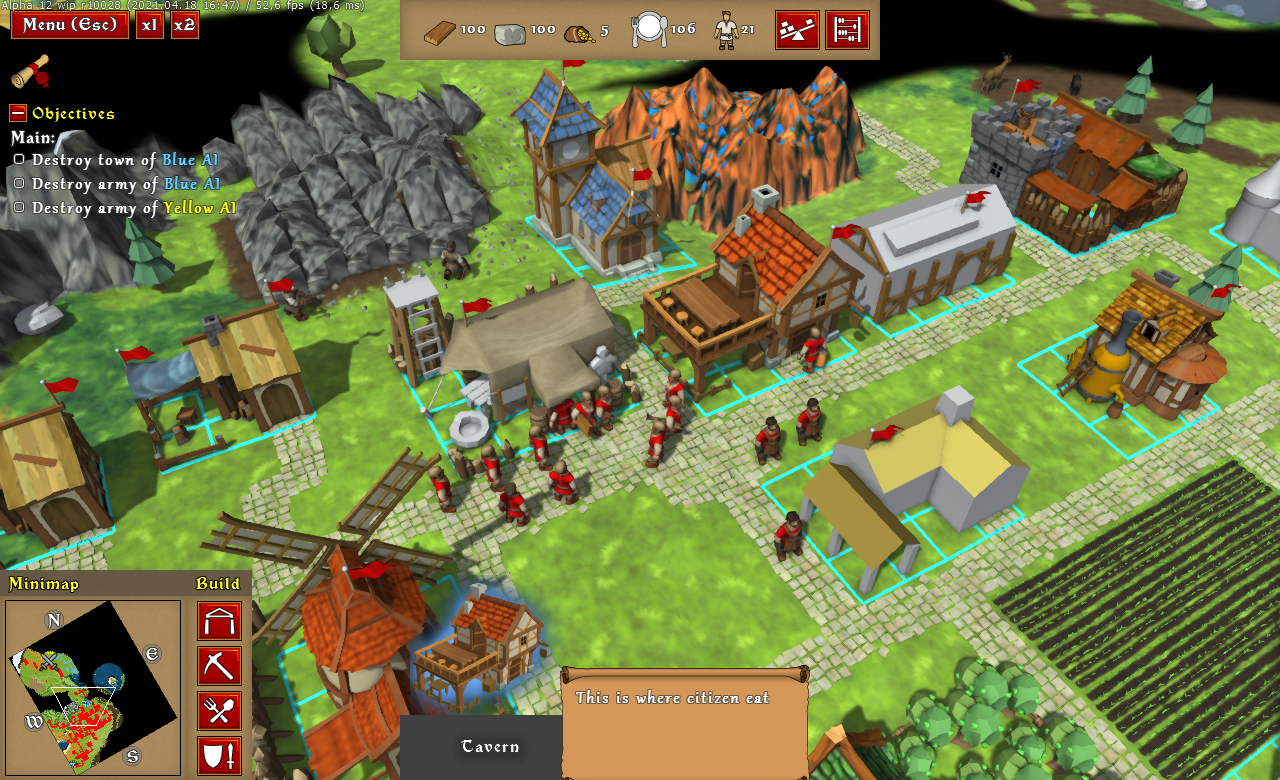
Avatar being rendered into its own texture with glow and antialiasing is somewhat performance costly, but I’m hoping to optimize that later on, when it becomes accepted (cos who knows, maybe new UX artists will bring in superior HUD ideas that do not involve avatars).
Here’s another wip example – Store HUD getting “modular” overhaul – wares module is now common between it and the Camp, Fort and Barracks (all houses with “a lot of wares” stored inside):
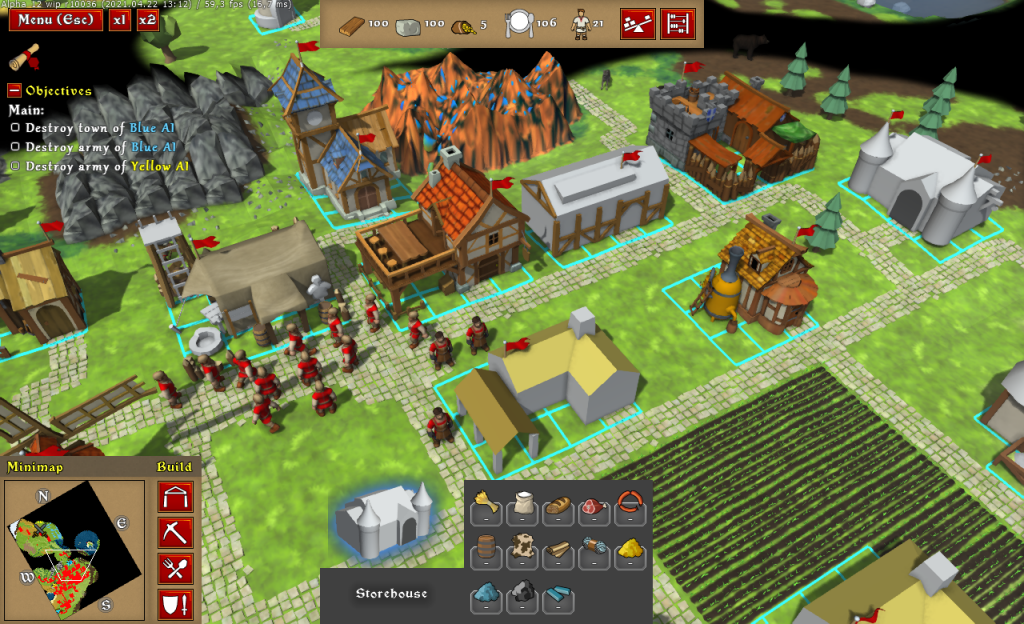
Objects HUD redesign is a “soft-ball” of sorts. If it goes well I plan to redesign other in-game GUI elements (minimap, build menu, etc.) later on (maybe in Alpha 13). Main menu redesign is lower priority (think Alpha 14 or later).
Once the big HUD overhaul/refactoring is stabilized I will be able to release new Alpha 12 wip build (with beta sheep and better fences and waterfalls and other nice features). So, armed with that, work goes on!
P.S. And as always, I’m happy to read your comments and discuss on Discord 🙂
2020 is nearing its end. Thank you everyone for following the project!
What about code?
What about gameplay?
Happy New 2021 Year! Let’s hope it will be a much better one! 🙂
Here’s a third minor update with a bunch of bugfixes and small improvements:
Here’s a second minor update with lots of bugfixes and small improvements:
Alpha 11.1 was released just recently, yet it already has 4 new maps for download (https://discord.gg/3fsaFAj) and a mapmaking tutorial by Wychor:
Following initial release, here’s a minor update with several fixes and improvements:
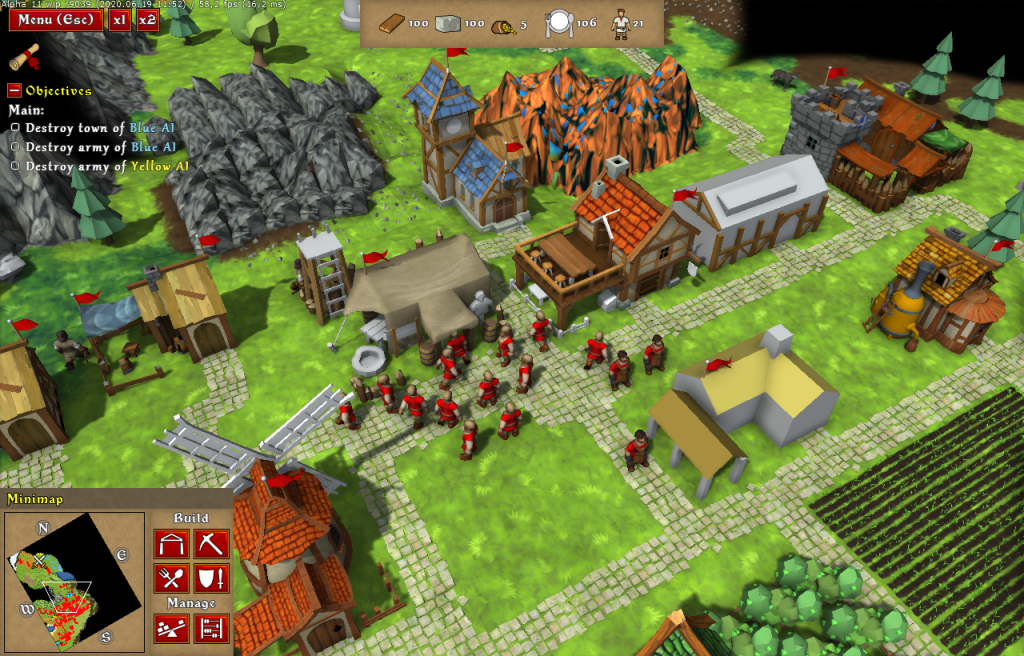
It is the most worked-on version of the Knights Province yet (except for Alpha 1, of course). Last release was 7255 and this one is 9043. Almost 1750 bits of changes and improvements went into it.
Main features of the new version are:
Smaller features are:
Join the Discord server for discussions and feedback – https://discord.gg/ZGrgC6G
Thanks to everyone who helped and supported the development with feedback, testing, ideas and suggestions, critics, mapmaking and everything else!
Thanks to monthly support from my patrons on Patreon I was able to purchase Substance Designer!
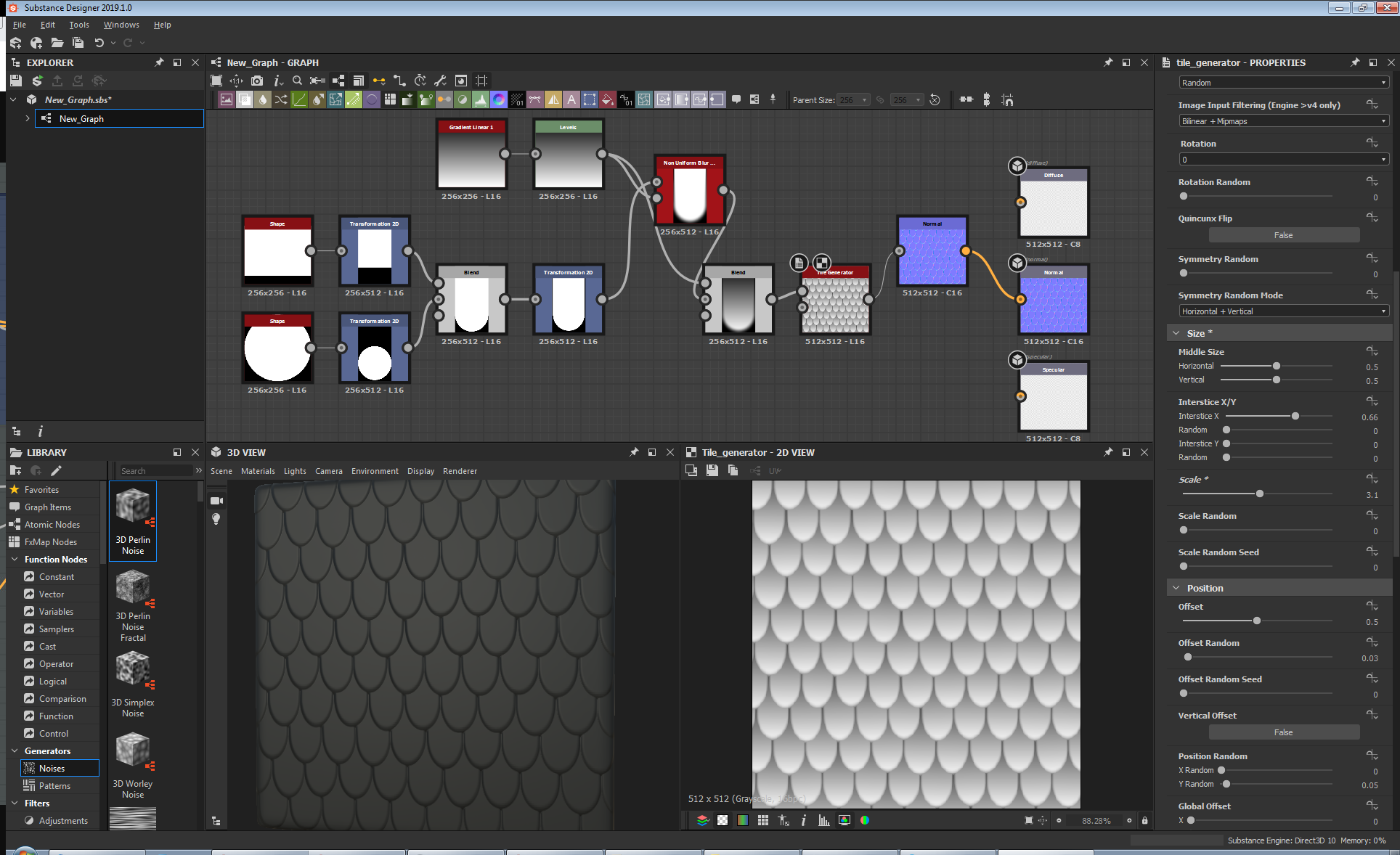
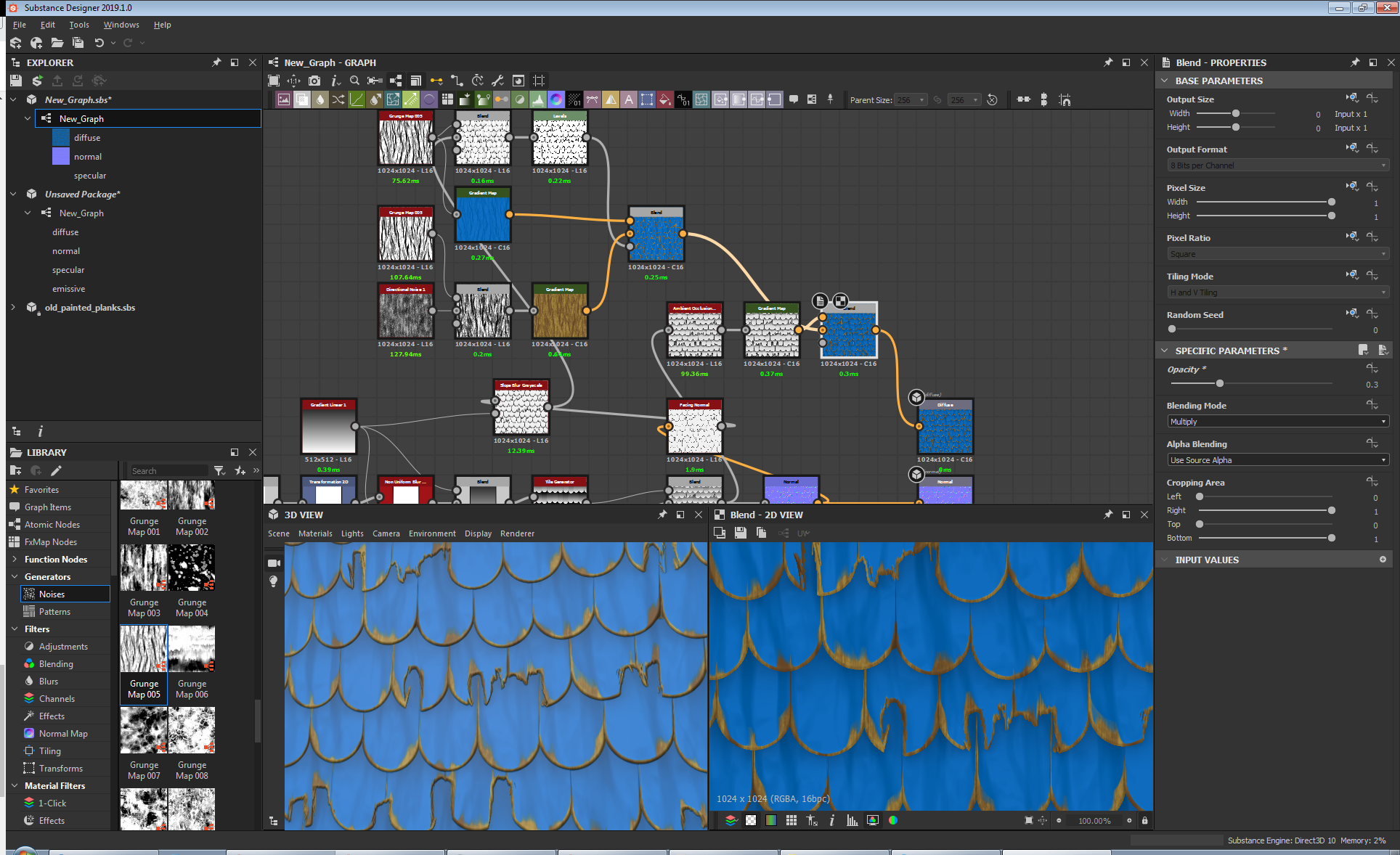
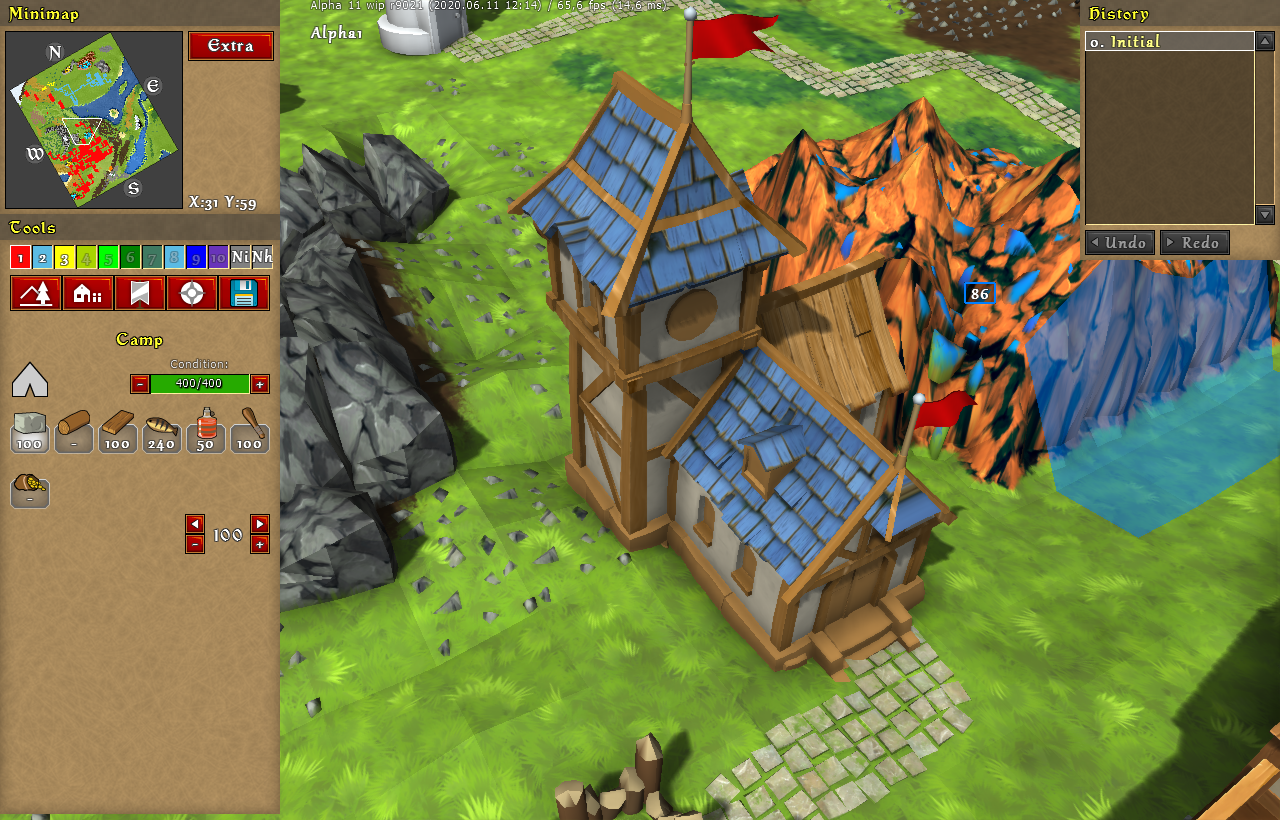
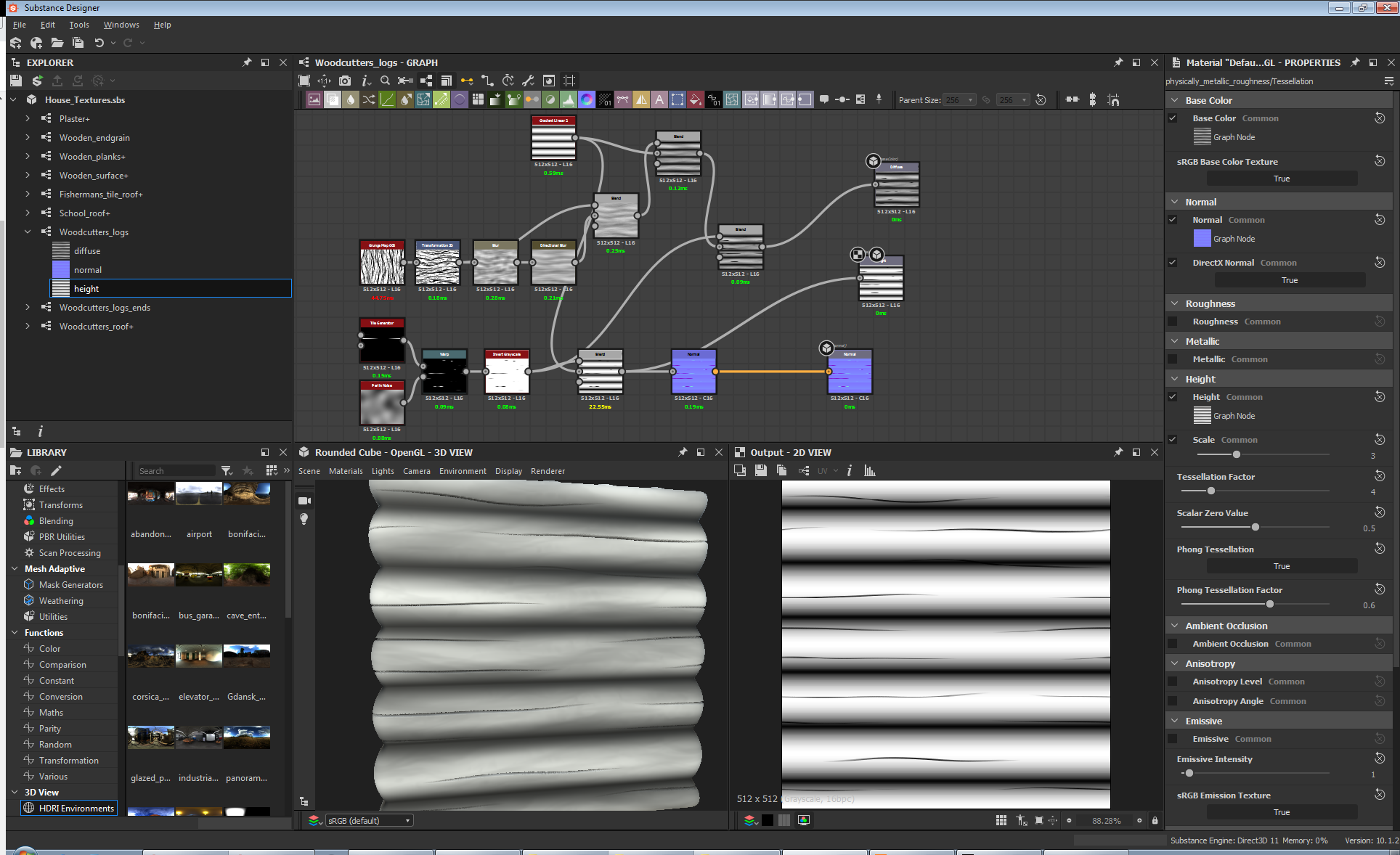
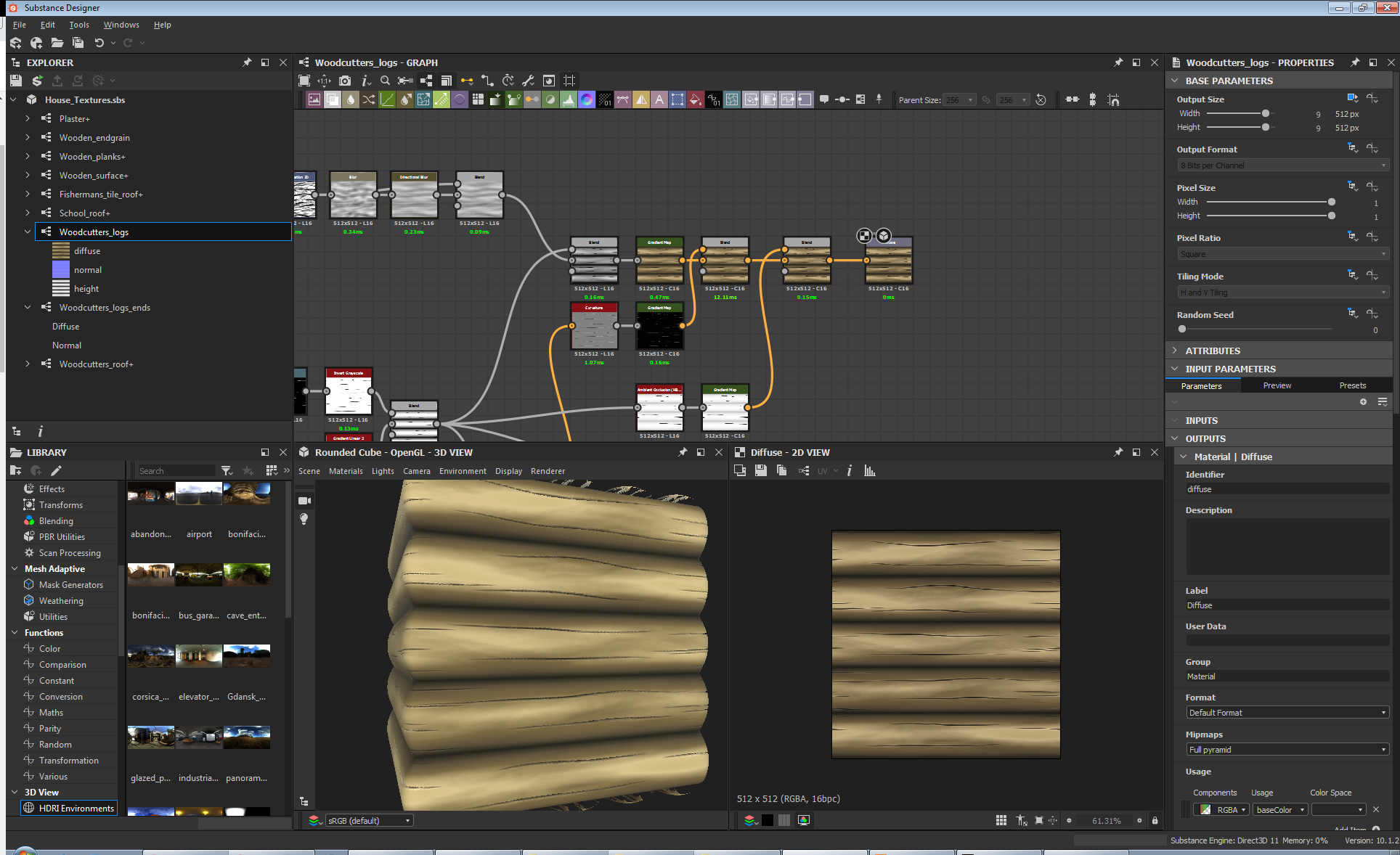
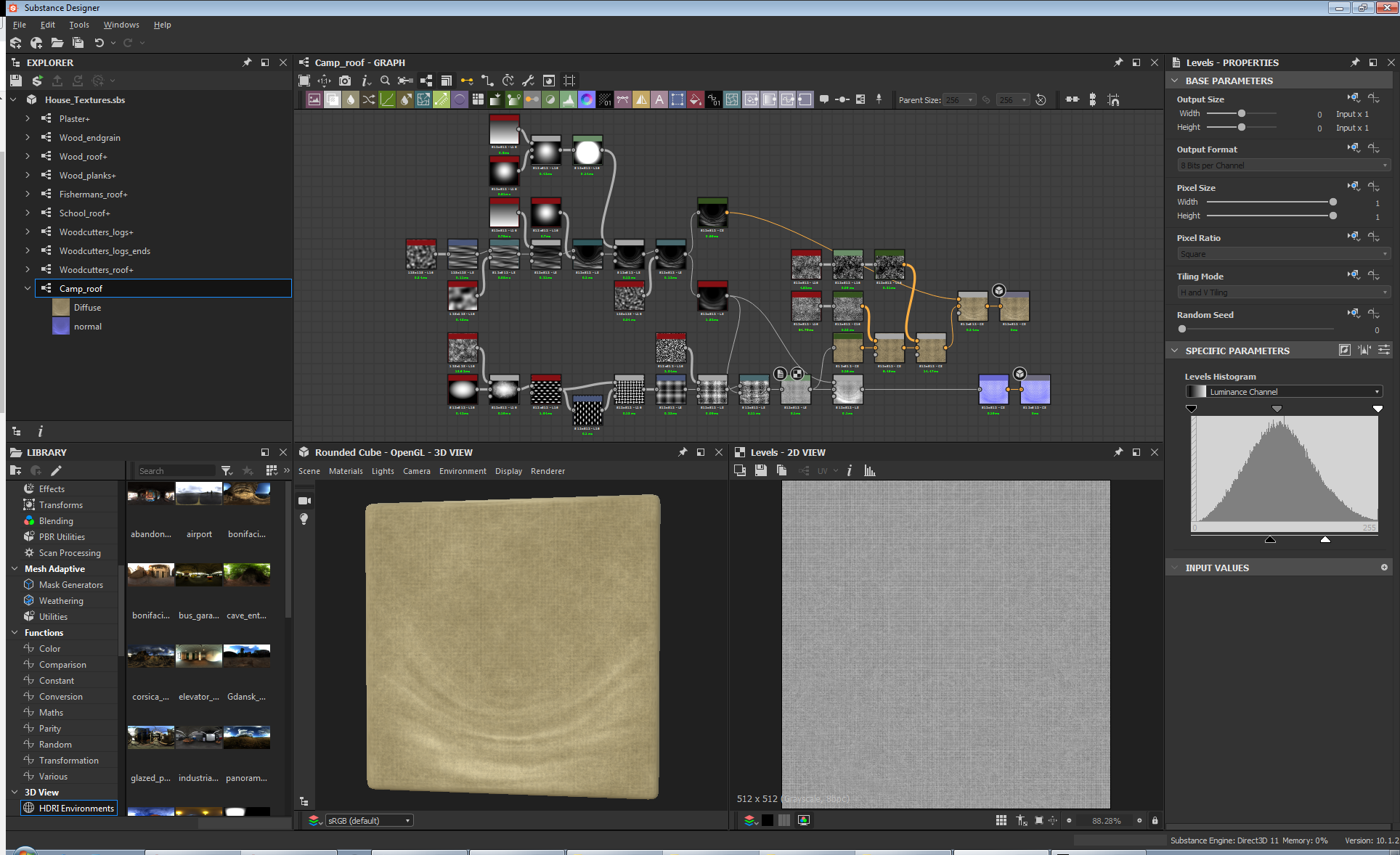
SD is a tool for procedural texture generation. Those nice shingles, wooden beams, plaster and whitewashed walls, grass and lava. Guess what, instead of painting by hand, all those textures can be generated from noise and simple functions!
So I was looking for shingles textures online again. Shingled roofs are so common in the game and they make the most screen area after terrain. Finding suitable textures (free or not) to use in the game is not easy. Every time it’s either a different scale, too low-res, watermarked, has unclear copyright, etc. So when I found another bunch of neat textures I noticed they were not hand-painted, but procedurally generated. That made me think, if those nice textures are a product of an algorithm, surely I can tweak and repeat that algorithm to get the exact result I’m looking for.
Procedural texture generation is not uncommon to me. In my 3D editing app (Lightwave 3D) there’s a procedural texture generation subsystem. It is rather clunky though, for its main goal is to produce 3D volume materials and affect the render pipeline rather than create flat surfaces. Still it’s the same idea in its core – take small pieces and interconnect them into a more complex system (just like you take houses and build towns in Knights Province).
Procedural texture generation captured my mind a long time ago, but until recently I have not met a good working example. Earlier this year I tried another texture generator – Material Maker. It’s free and open-source, it has a great variety of elements and nodes, but trying to create anything more complex than a simple brick wall texture with mortar has put its performance to its knees. It took seconds to refresh even 256×256 nodes ..
So here comes the SD. I first tried it on trial and made myself a deal – if I can create 2 decent textures in it with reasonable effort – I’m buying it, cos that’s gonna be break even with ordering the same textures from freelancers or painting them myself. After two days of tests I was convinced – albeit textures creation is a tricky and complicated job, SD as a tool offers a very good interface and instruments of doing it. I was able to get acquainted with SD UI and toolset in a day and after exploring some examples (included with SD and available online) to craft a decent shingles texture for the Fisherman’s house. Soon followed by wood planks texture. The purchase was made.
Having such control over textures allows me to bring my vision into the game much better.
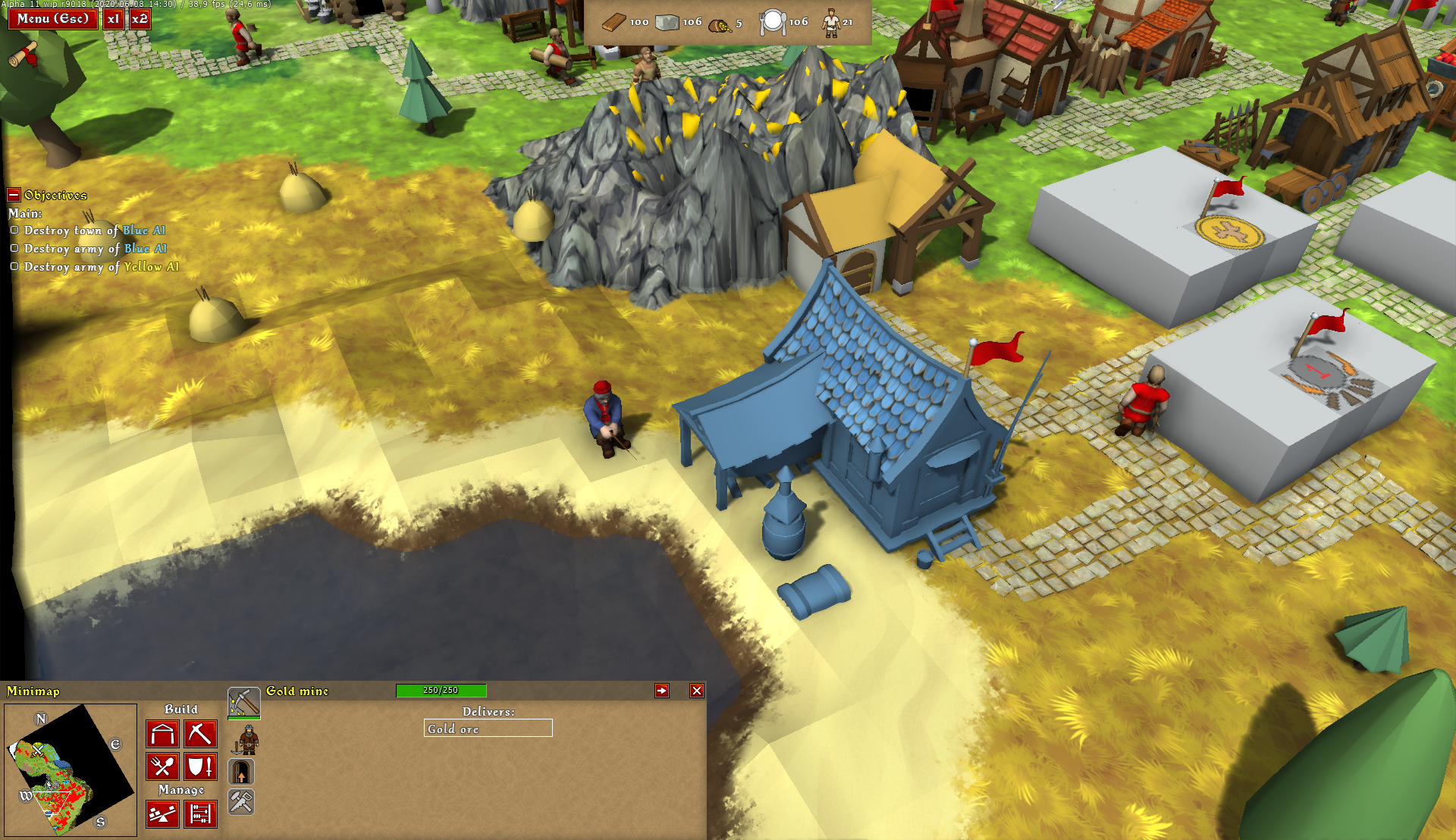
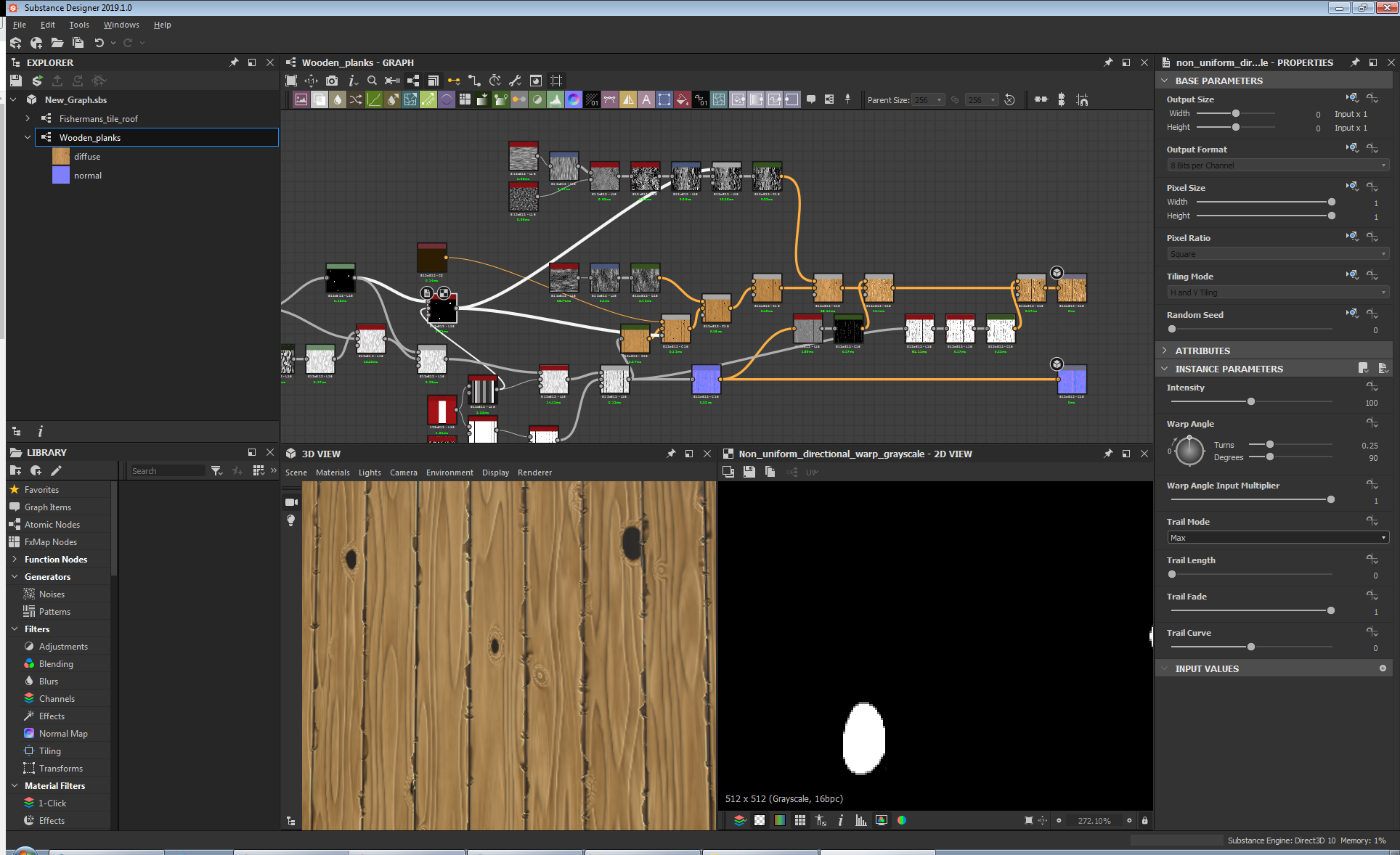
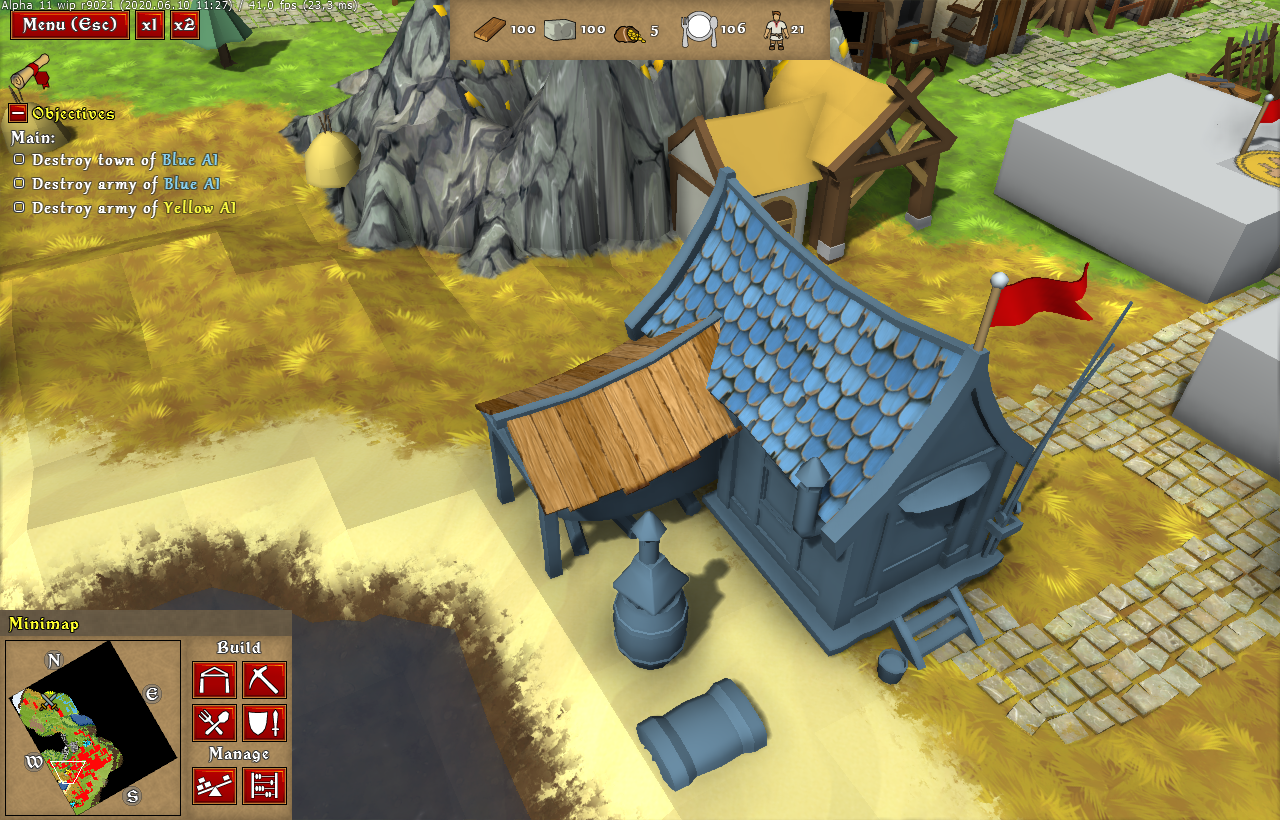
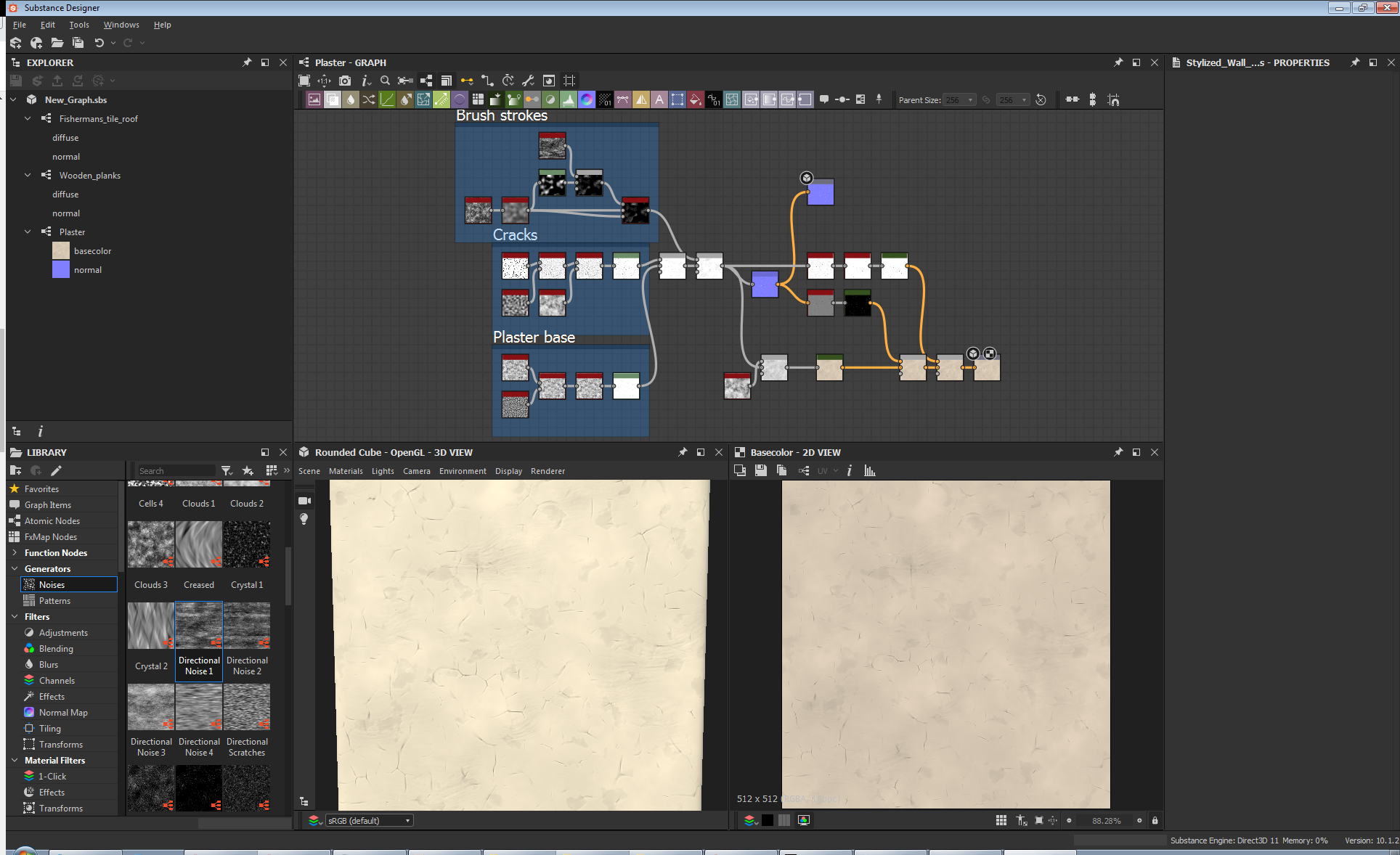
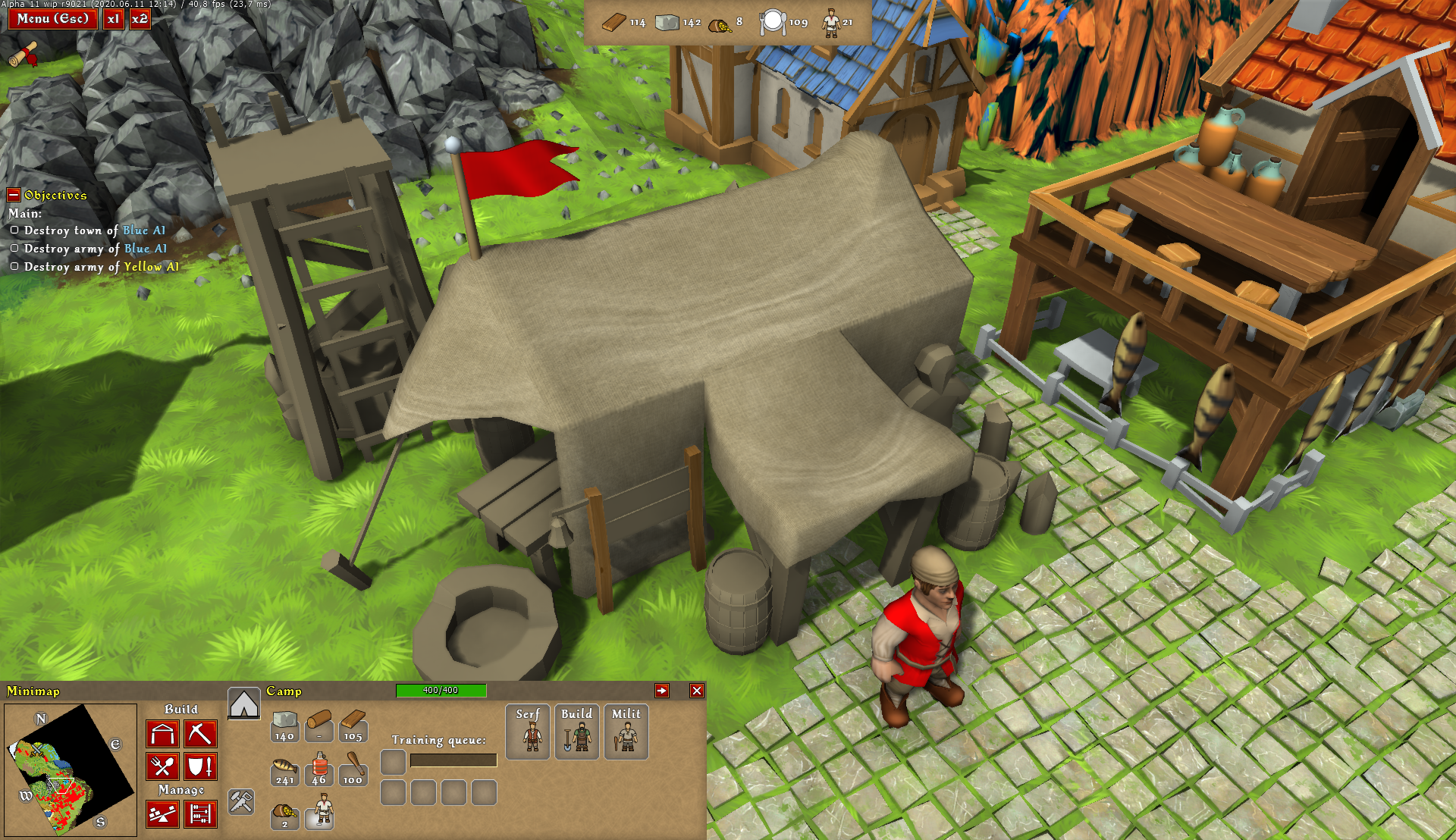
So far the plan seems to be:
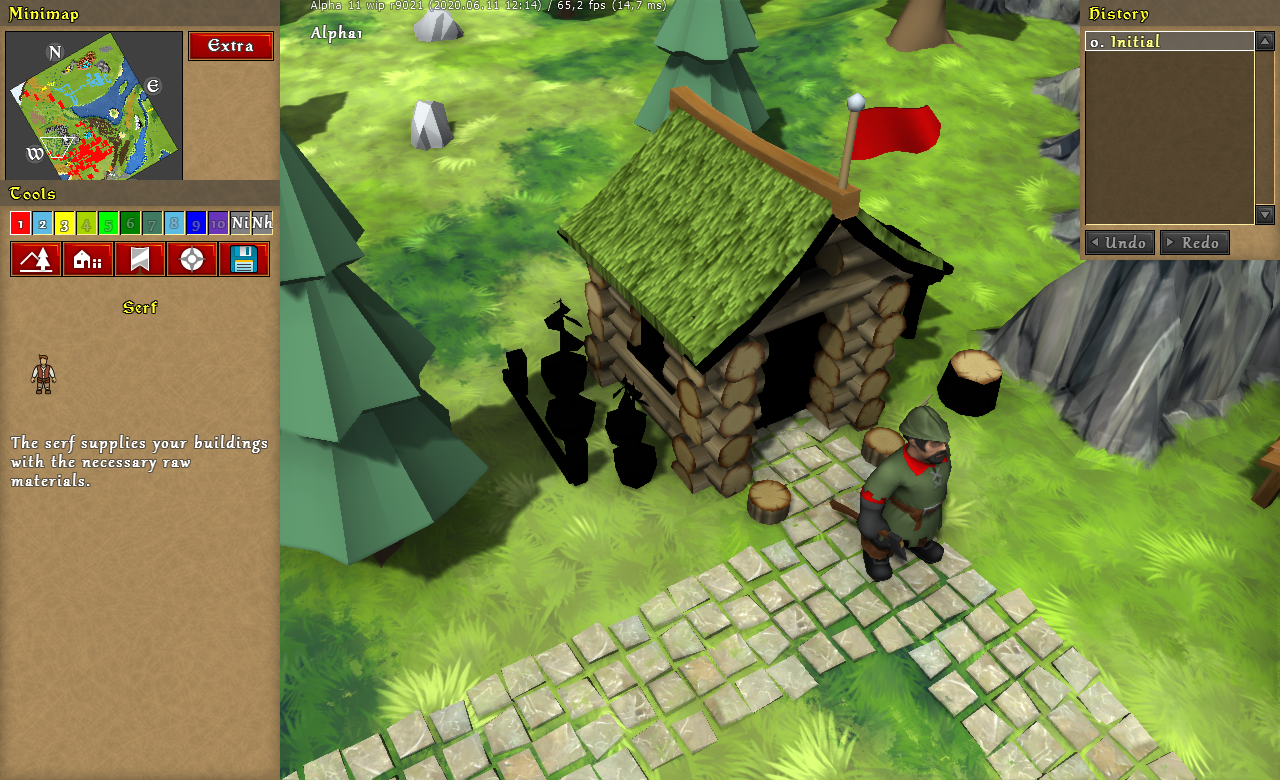
– generate most common and prominent textures (roofs, walls, wooden beams)
– roughly UV map them to the existing 3D models
– later on, improve the models and do the proper mapping


