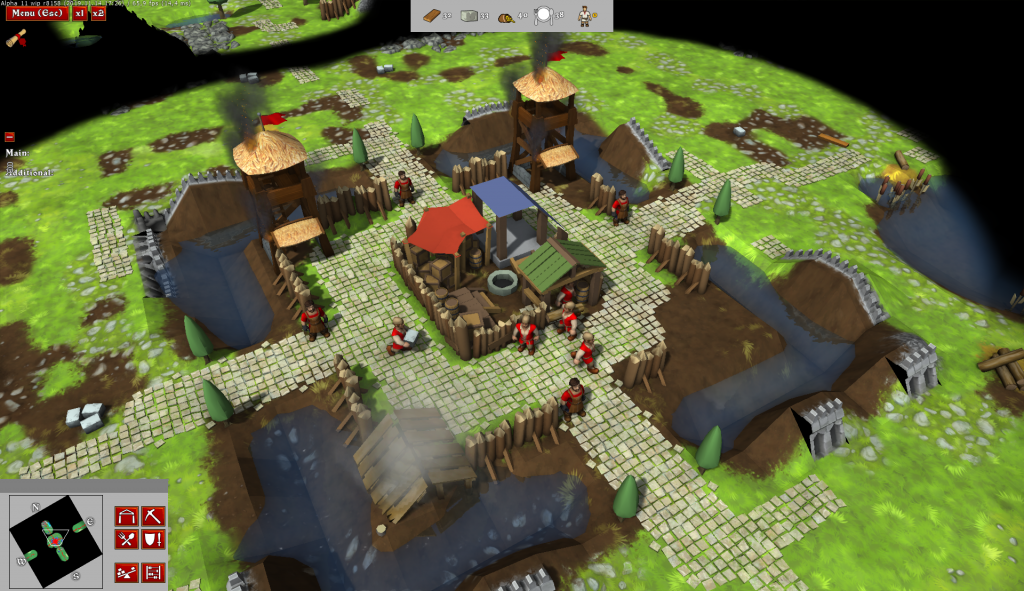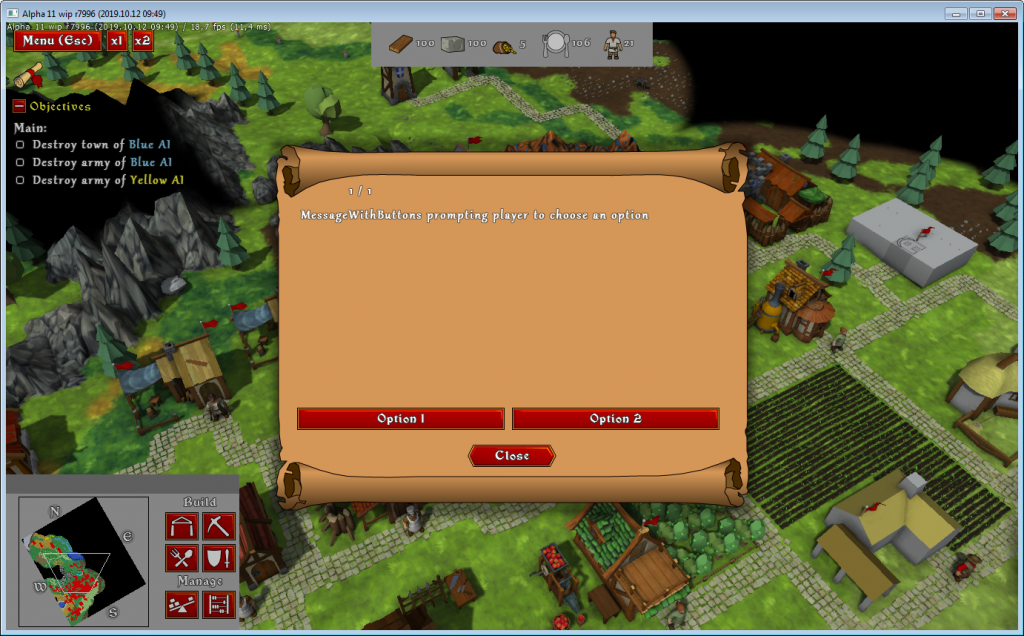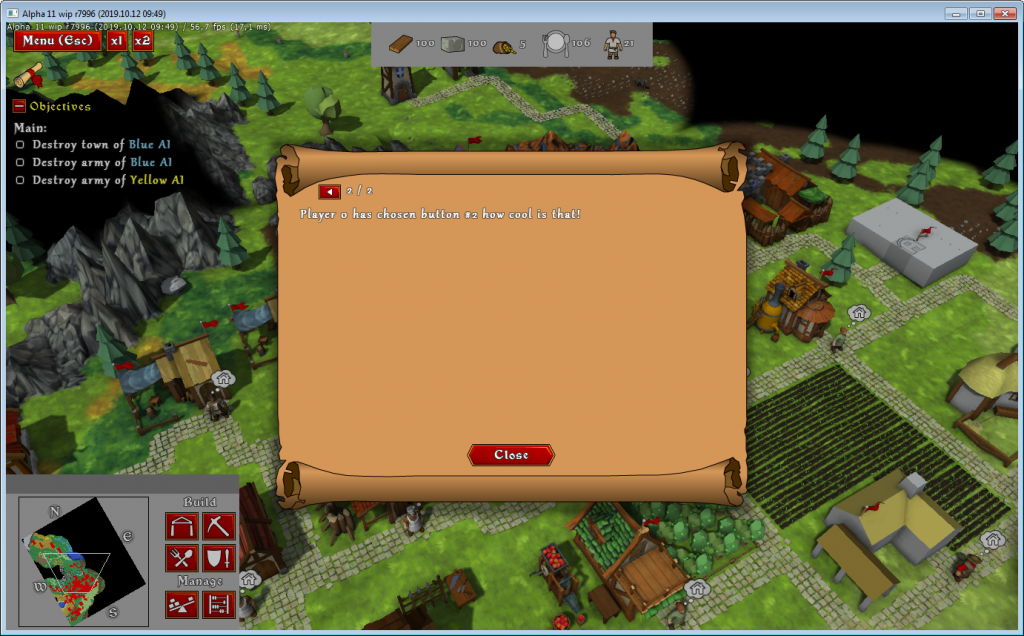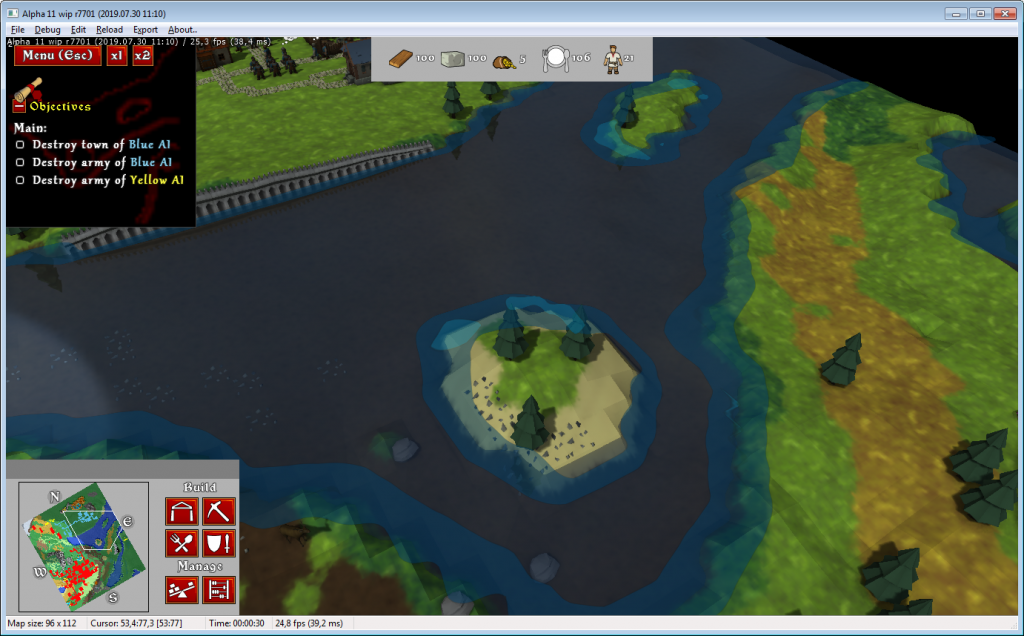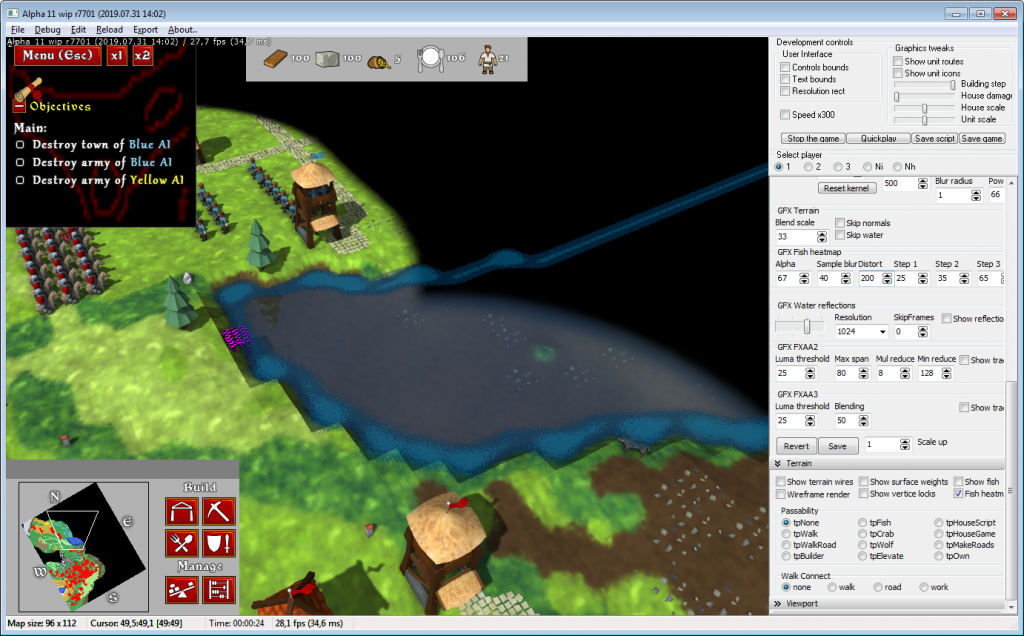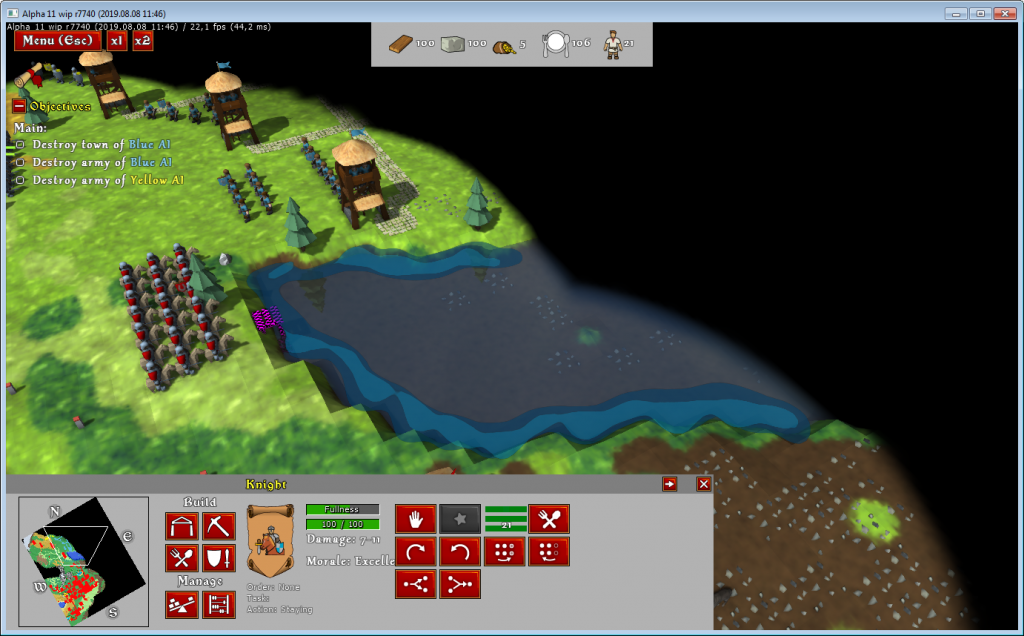
Cinematic controls are being added to the Knights Province.
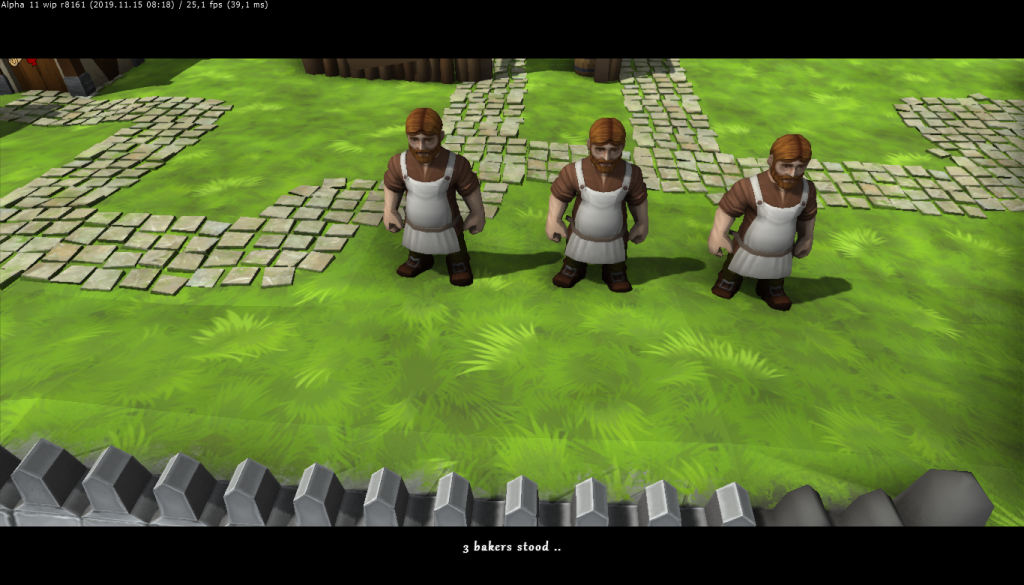
These are commands that allow to block the player input, do the fade out to black, move the camera and change its setup, fade in from black at new location and pan/zoom around, while showing text and subtitles. They will become accessible from dynamic script. Of course this is all mixable with existing dynamic script for playing WAVs and spawning units. This will allow for more atmospheric mission intros and story/campaign elements.
List of commands is as follows since r8155:
- CinematicBegin
- CinematicEnd
- CinematicViewStore
- CinematicViewRevert
- CinematicBarsShow
- CinematicBarsHide
- CinematicFadeIn(aDurationSec: Single)
- CinematicFadeOut(aDurationSec: Single)
- CinematicViewReset
- CinematicViewSetTo(aX, aY, aHeading, aZoom: Single)
- CinematicViewMoveTo(aX, aY, aHeading, aZoom: Single; aDurationSec: Single)
- CinematicViewSetToEx(aX, aY, aHeading, aPitch, aDist, aFOV: Single)
- CinematicViewMoveToEx(aX, aY, aHeading, aPitch, aDist, aFOV: Single; aDurationSec: Single)
- CinematicText(aText: string; aScale: Byte)
- CinematicSubtitle(aText: string)
All the names are pretty self-explanatory.
Firstly you need to enable the Cinematic mode with CinematicBegin, then it will be a good idea to store the current players view with CinematicViewStore and show the movie bars with CinematicBarsShow. Then the cinematic can play out, finally being ended with CinematicEnd.
Example script for the mission intro cinematic will look much alike:
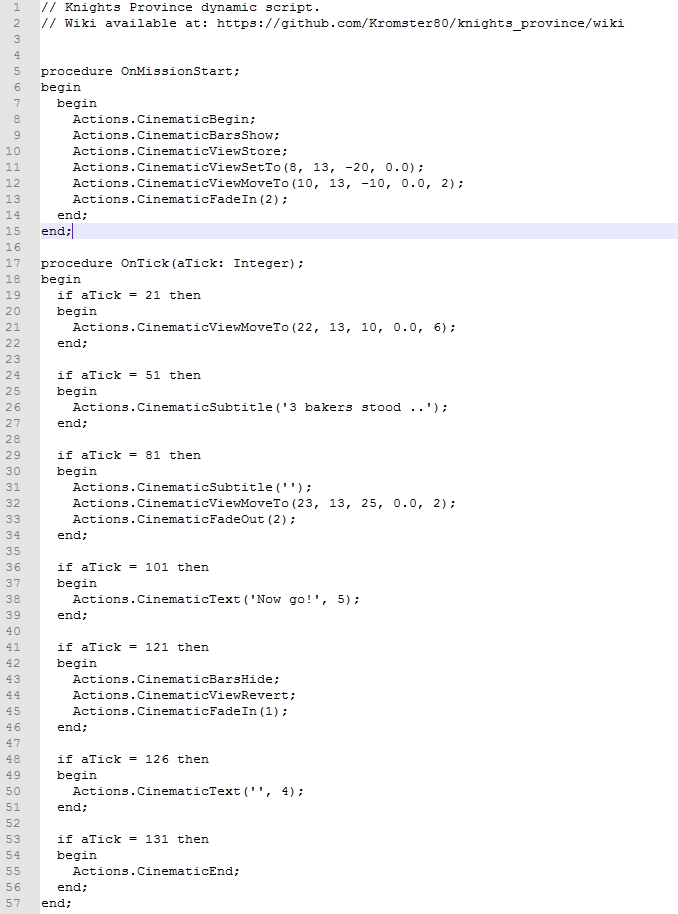
So far cinematics are enabled only for Single-Player.
Feedback and suggestions for new commands are welcome!