Let’s temporarily switch away from technical side of development and take a look at planning. Over initial course of planning we had several iterations over tech-tree plans. Here is how it looked like:
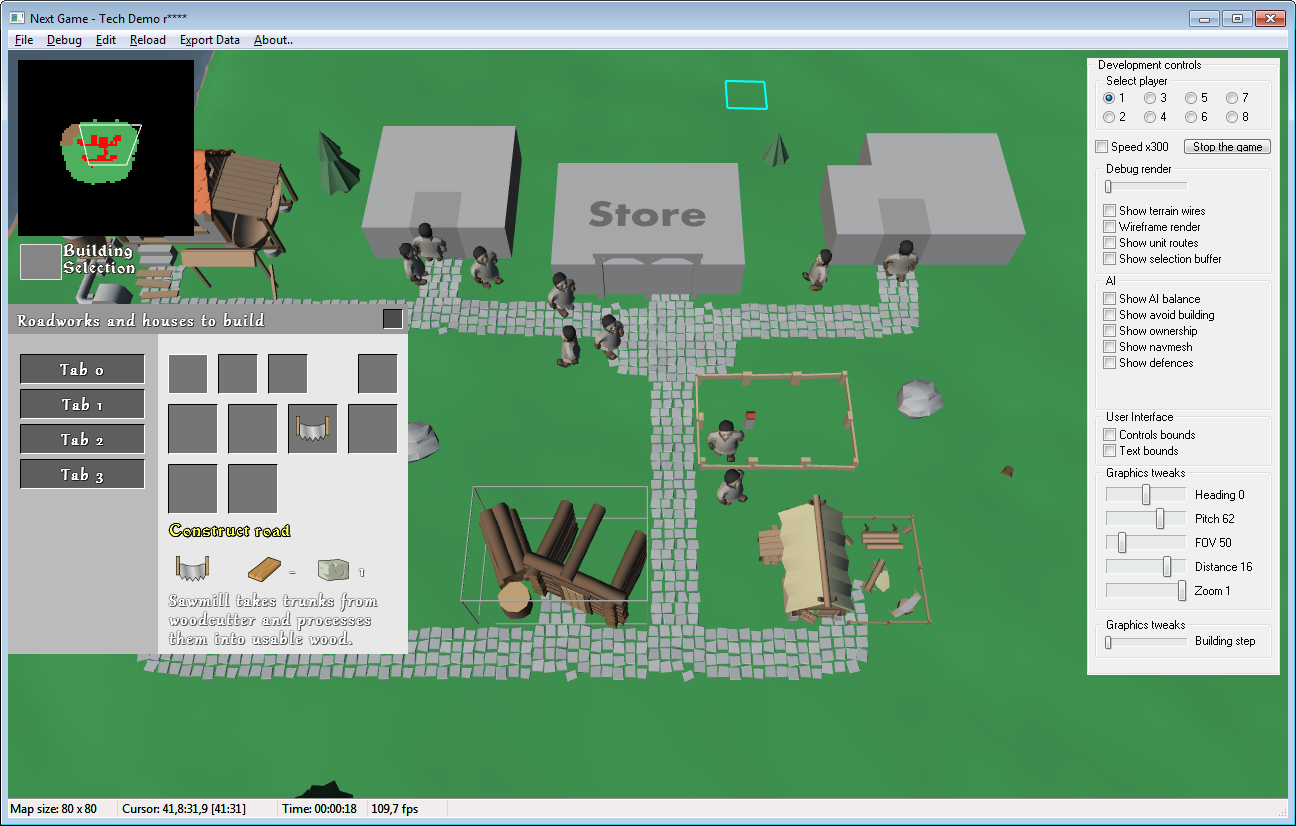
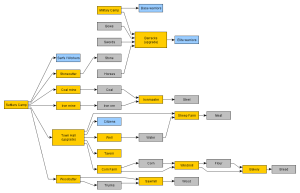
First plan was rather short and based off upgrades idea. Something that would enrich the game and allow to start a village with a believable encampment instead of stone Store in the wild:
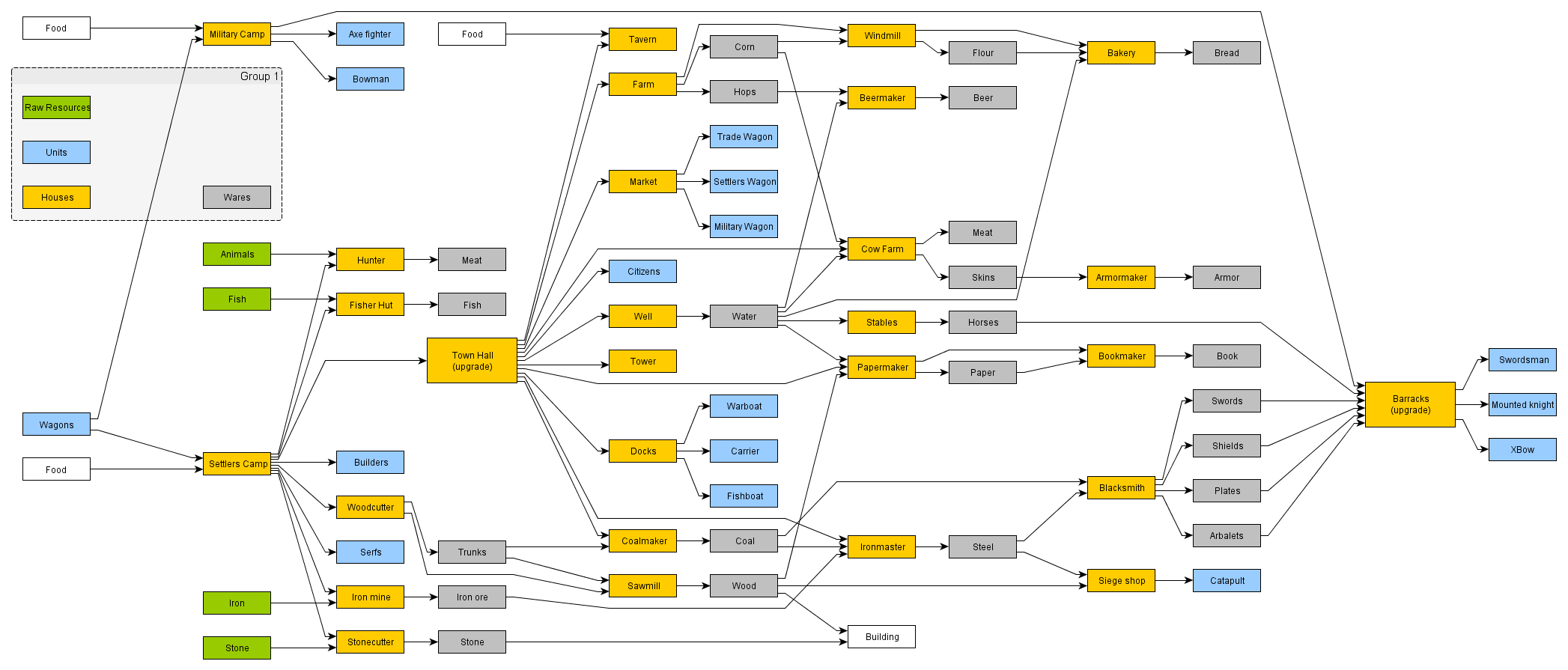
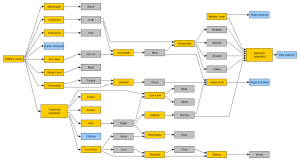
Second one is detailed version of that. We thought that maybe player can start with wagon and choose a place to settle. We also played with idea of:
What if there are all sorts of wagons, settlers, military, trade. And boats:
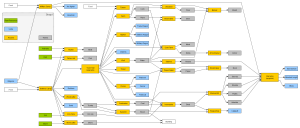
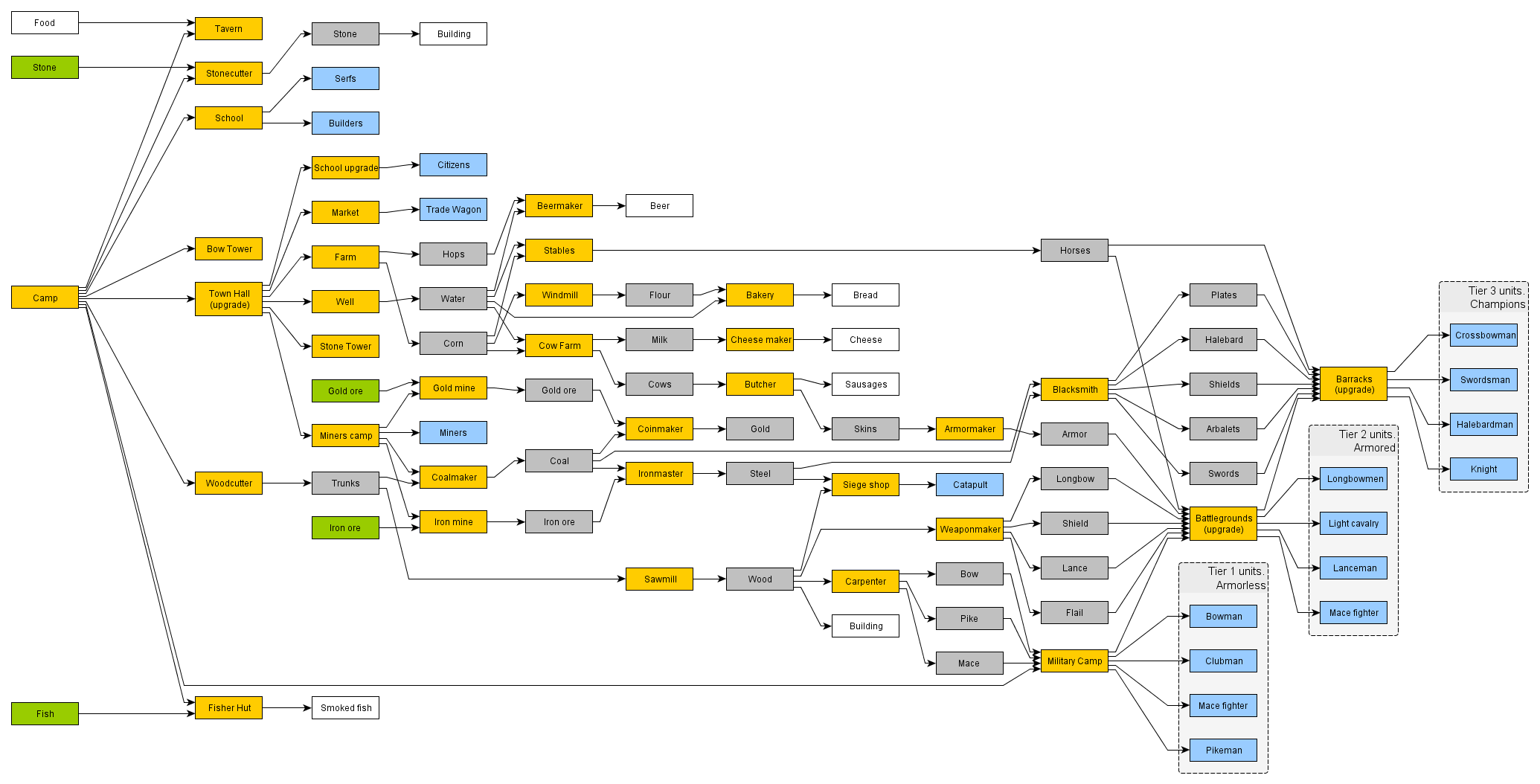
However that quickly gets out of hand – wagons are disconnected from main town and there are all sorts of logistics issues, like – who will bring the food and supplies? That does not works well for a game where each and every ware is actually transported between locations. So next plan focused more on traditional ideas:
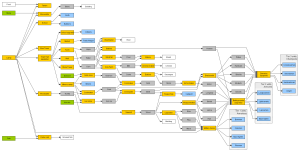
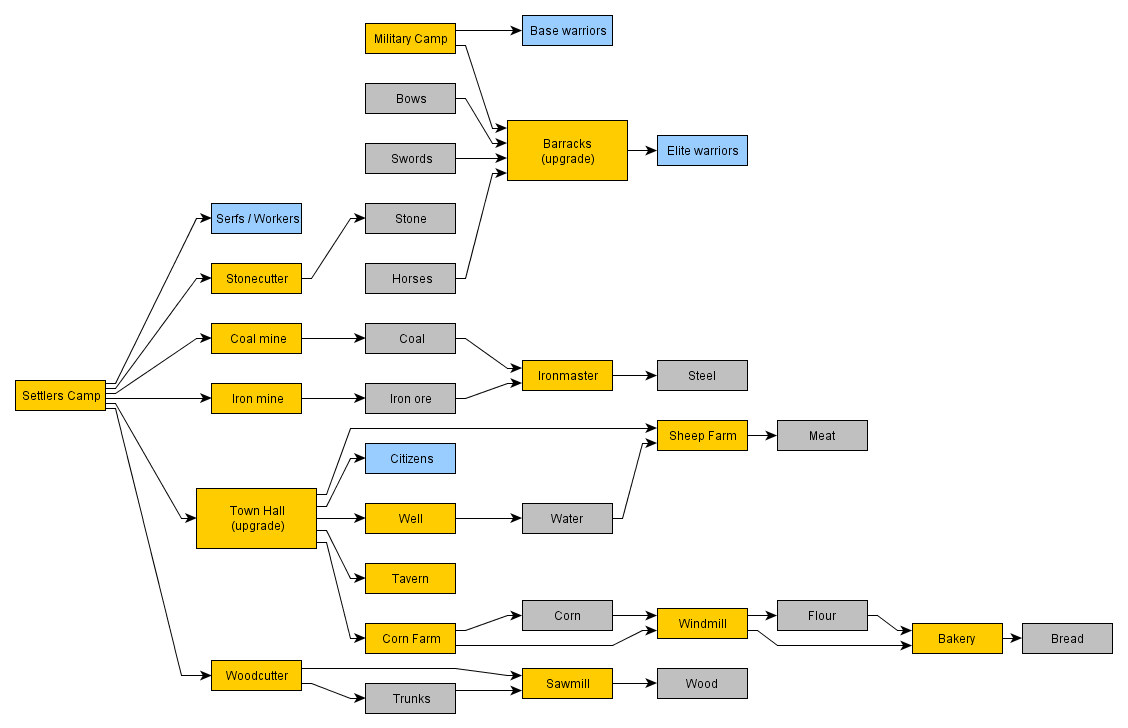
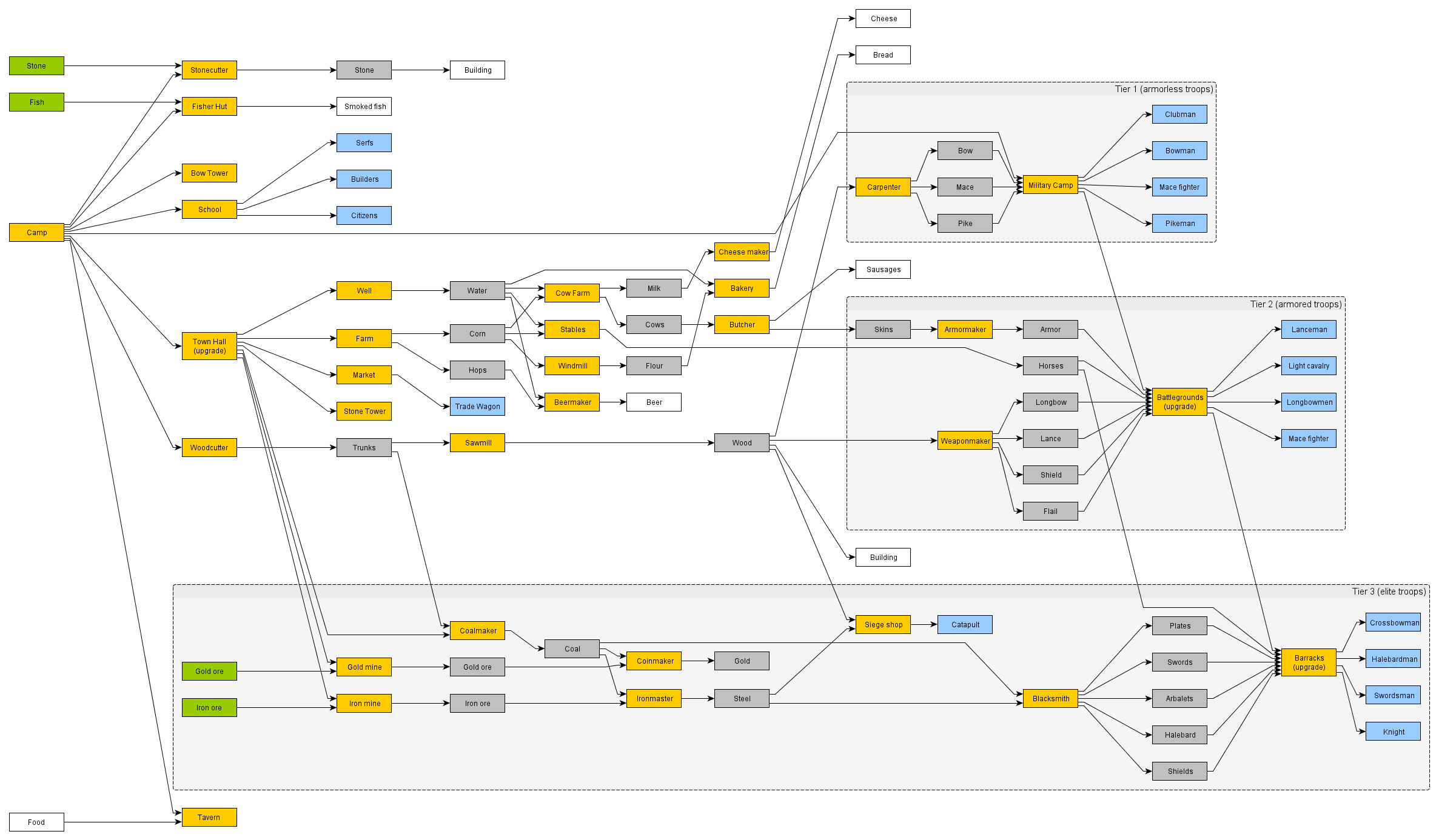
Newest plan shows 3 tiers of troops, something we would like to have for combat diversity. That naturally forms 3 branches of development:
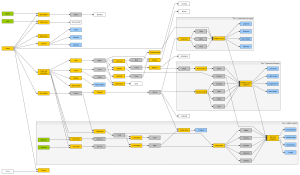
As you can see – each next plan is different from previous, some ideas are added and some are rejected (often temporarily).
And some ideas:
- Hunters cabin – very tempting, but how to process meat he brings, does it need to be cooked, does rabbit’s meat differ from wolf’s or deer’s? Hard to say.
- Stash – neutral house placed on a map, whoever connects to it first – gains access to resources in it. However that might look weird, to build a road (spend stone) just to be able to carry wares out.
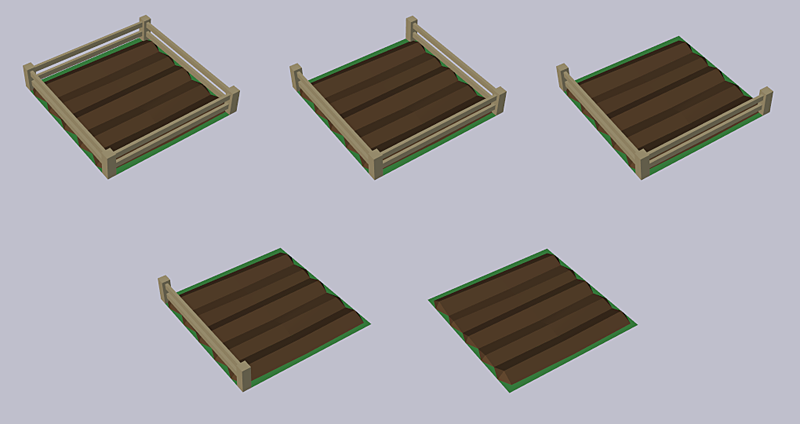
- Farm – an option to choose the crop, corn, hops, fruits?
- Bow tower – an early defense structure, to protect from rushes. Can be upgrade to a better tower perhaps, otherwise useless from tier 2-3 troops.
- Trade wagons – loaded with wares, when two wagons meet they can exchange wares. Allow players to capture enemy wagons.
- Catapults – we need heavy siege equipment!
- Well – water supply, might be a clutter though, I think we’ll reject it.
- Some kind of jewelry maker – having commodities would be nice, don’t know how they can enrich the game though.