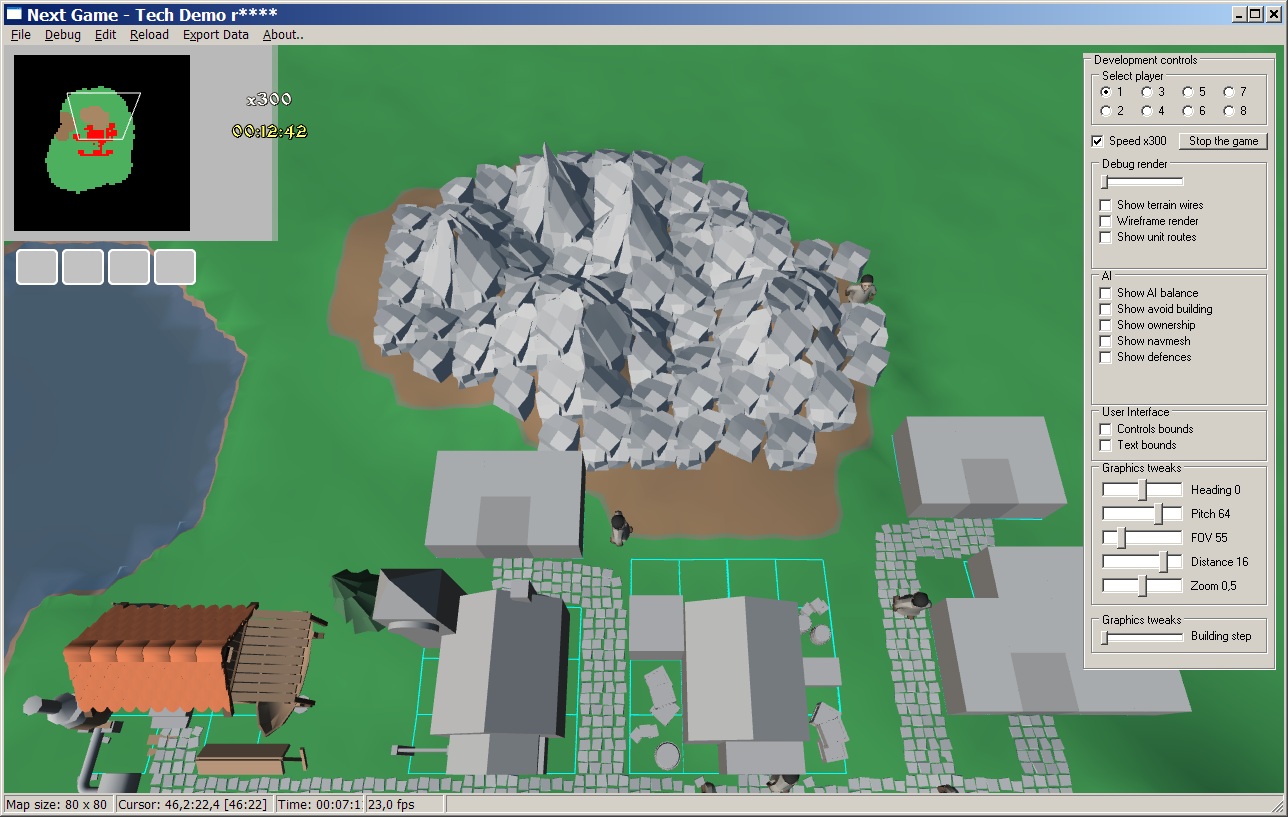
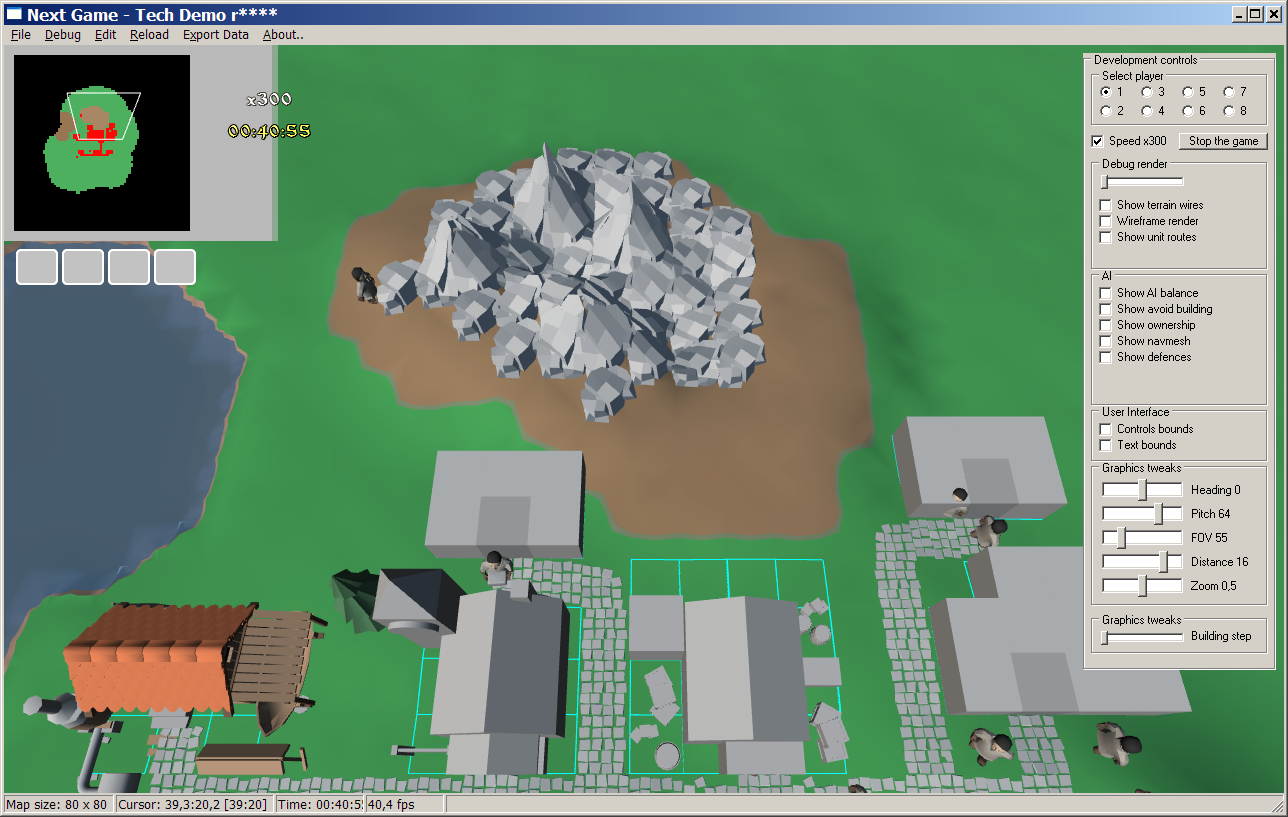
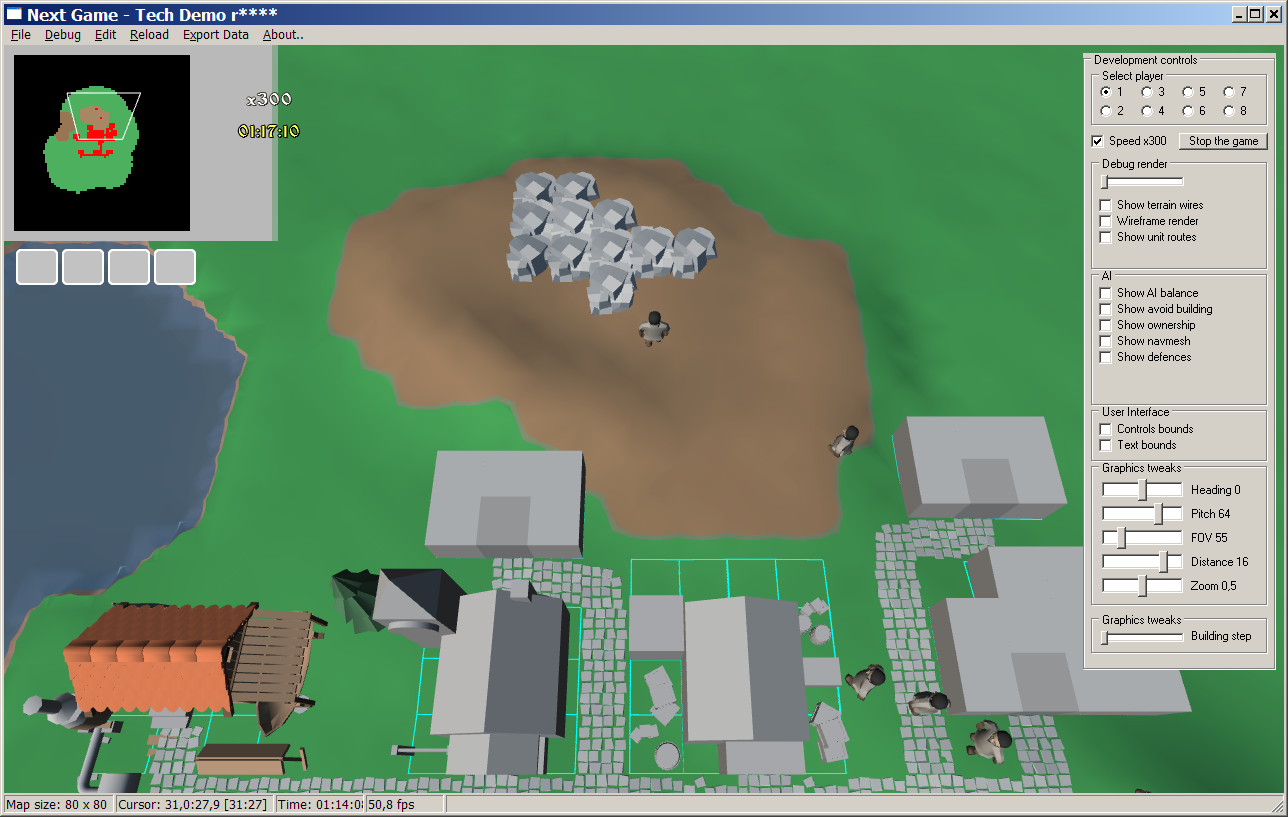
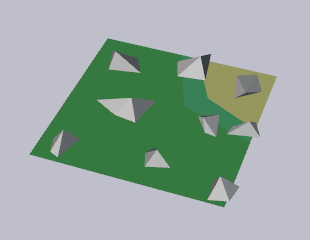
Taking advantage of 3D and stone deposits being decals, now stone can be mined from any direction and from any terrain type underneath:
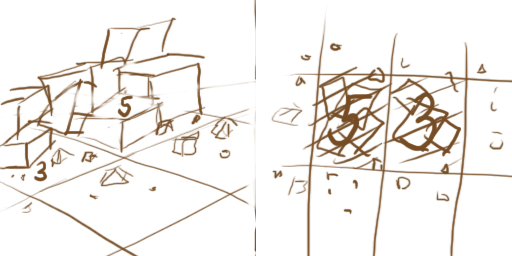
P.S. Meanwhile School and Store got a little sketching progress.
Taking advantage of 3D and stone deposits being decals, now stone can be mined from any direction and from any terrain type underneath:
P.S. Meanwhile School and Store got a little sketching progress.
Last week has been rather busy, so most of the time spent was in shorter session and aimed at refactoring.
Redoing rendering approach. Now houses and units do not draw themselves, like they used to. That allowed to put all the rendering code into single unit and adjoin many identical pieces into one.
Decals are being regrouped for easier usage in terrain too. Internal stuff.
Houses got a simple building visualization – wip house slowly grow up from under the ground. Until we have a better idea, that sort of indication is quite sufficient.
Viewport settings are read from XML and now can be refreshed from F11 menu without restarting the game. Such approach helps a lot while development goes – so that any section of meta-data can be refreshed on-the-fly.
Last time we have stopped on basic terrain appearance. How mixing surfaces and transitions between them works. Today’s the second part of the terrain being explained – decals.
We have a custom type – TKMPoint. That type is basically a pair of values X and Y. In older days when we wanted to add two points together (for example defense position and unit position within the group) we needed to write it like so:
// Sum up parts and make that a new point
ResultingPosition := KMPoint(GroupPos.X + UnitPos.X, GroupPos.Y + UnitPos.Y);// Or make a custom function to add two points together
ResultingPosition := KMPointAdd(GroupPos, UnitPos);
Now when we can drop Delphi 7 support, we can use a handy language feature that allows to override operators, so we can simply write:
ResultingPosition := GroupPos + UnitPos;
and that works because compiler automatically substitutes the + operator for TKMPoint with a function:
class operator TKMPoint.Add(const A, B: TKMPoint): TKMPoint;
begin
Result.X := A.X + B.X;
Result.Y := A.Y + B.Y;
end;
In other words – adding points together became simple and neat 🙂
I have been asked an excellent question – how do terrain tiles and objects work in NextGame? NextGame maps are still created from tiles, but those tiles have taken an extra dimension and I’ll try to explain what does that mean. (Pictures inside!)
Irregardless of other features, I’m quite confident that there will be mine-able stones in the game. In the older days they were made as a special terrain type, but that approach had many pros. So how can they be made in a new game?
Looking at many other games – stones are often found as clumps of objects placed on terrain. So that they can be mined and terrain below them is gradually revealed. So let’s mix that with our malleable terrain!
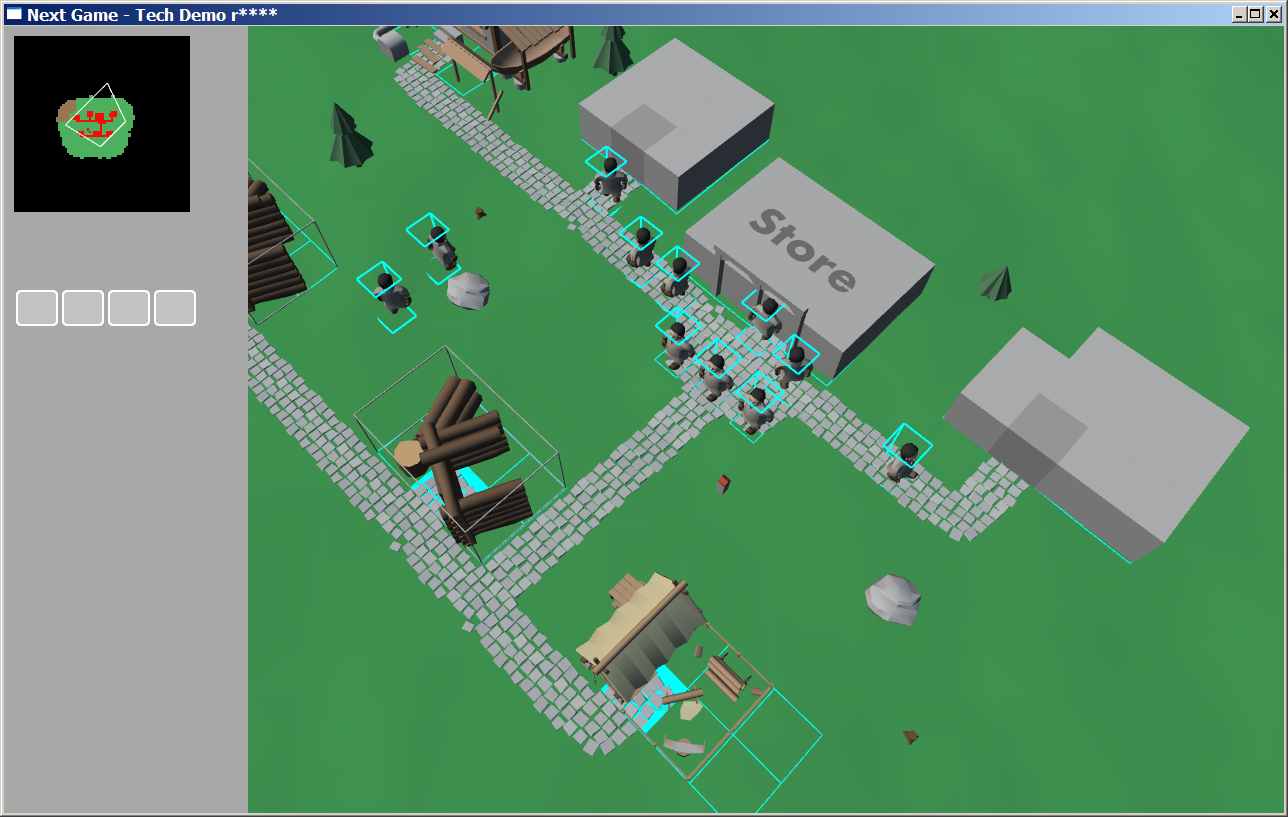
Since NextGame moved to 3D all unit picking routines became outdated. So today I have implemented a new unit picking algorithm. It works by checking an intersection between ray cast from players view and units bounding boxes. Of course a screenshot can not show the selection at work, but it is there and works well. Bounding boxes can be seen here:
Other minor changes include units stats are now being stored in XML and overall cleanup around the code.
Making a new game from scratch is a huge deal, but what about redoing an existing 2D into 3D? Game logic remains 2D, most of the internals don’t change that much either. Still it is a huge deal when it comes to graphics – there everything needs to be made anew. One of the biggest tasks is to animate the units. Skeletal animation is a known standard here, so that will be my topic today.
Here’s build menu sketch. Since we are going to get houses count increased a bit, I’ve decided to split them into 4 tabs – core, materials, food and military. These 4 domains have naturally formed:
There’s no decision about menu yet – will it stay glued to the left side or shall we allow to freely move “windows” around. There’s massive lack of artwork as you can see, we’ll need to do something about that too.
P.S. Oh, did I told that there are actual walking units in game?
Let’s temporarily switch away from technical side of development and take a look at planning. Over initial course of planning we had several iterations over tech-tree plans. Here is how it looked like:
First plan was rather short and based off upgrades idea. Something that would enrich the game and allow to start a village with a believable encampment instead of stone Store in the wild:
Second one is detailed version of that. We thought that maybe player can start with wagon and choose a place to settle. We also played with idea of:

What if there are all sorts of wagons, settlers, military, trade. And boats:
However that quickly gets out of hand – wagons are disconnected from main town and there are all sorts of logistics issues, like – who will bring the food and supplies? That does not works well for a game where each and every ware is actually transported between locations. So next plan focused more on traditional ideas:
Newest plan shows 3 tiers of troops, something we would like to have for combat diversity. That naturally forms 3 branches of development:
As you can see – each next plan is different from previous, some ideas are added and some are rejected (often temporarily).
And some ideas: